
3ds Max Render Farm
Unleash the full potential of Autodesk 3ds Max with our specialized cloud rendering infrastructure. Designed for high-end CGI, architectural visualization, and cinematic animations.
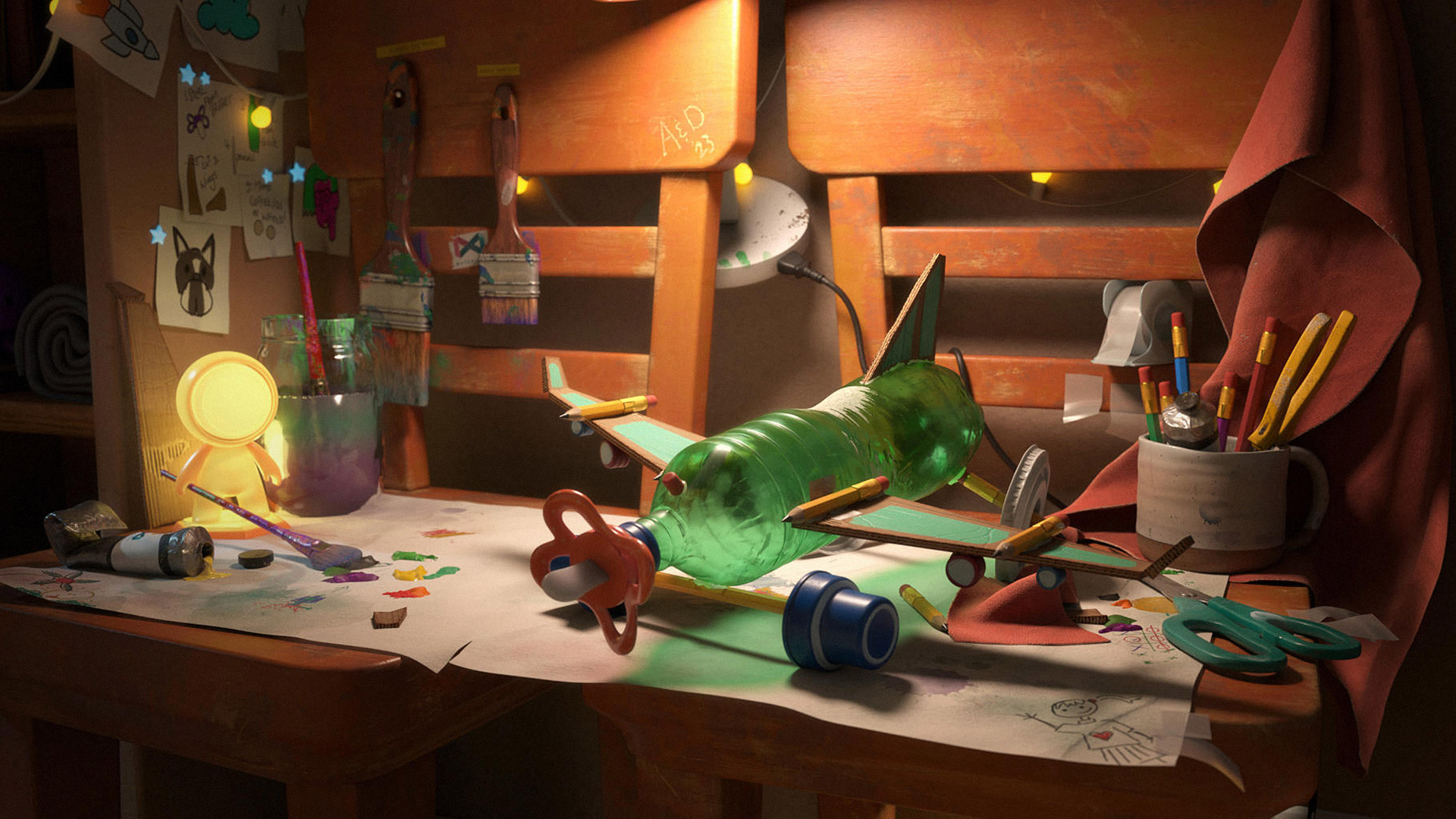
Next-Generation CGI Performance
Experience AAA visual quality with thousands of glowing CPU and GPU servers processing your most complex scenes in parallel. Built for V-Ray, Corona, and Arnold.
Efficient Workflow for Faster Delivery
Our intelligent pipeline automatically divides complex 3ds Max animation projects into manageable tasks. Frame splitting and parallel rendering ensure your project is delivered in record time.
Simultaneous processing of multiple camera views and animation sequences.
Automatic distribution across thousands of high-performance render nodes.
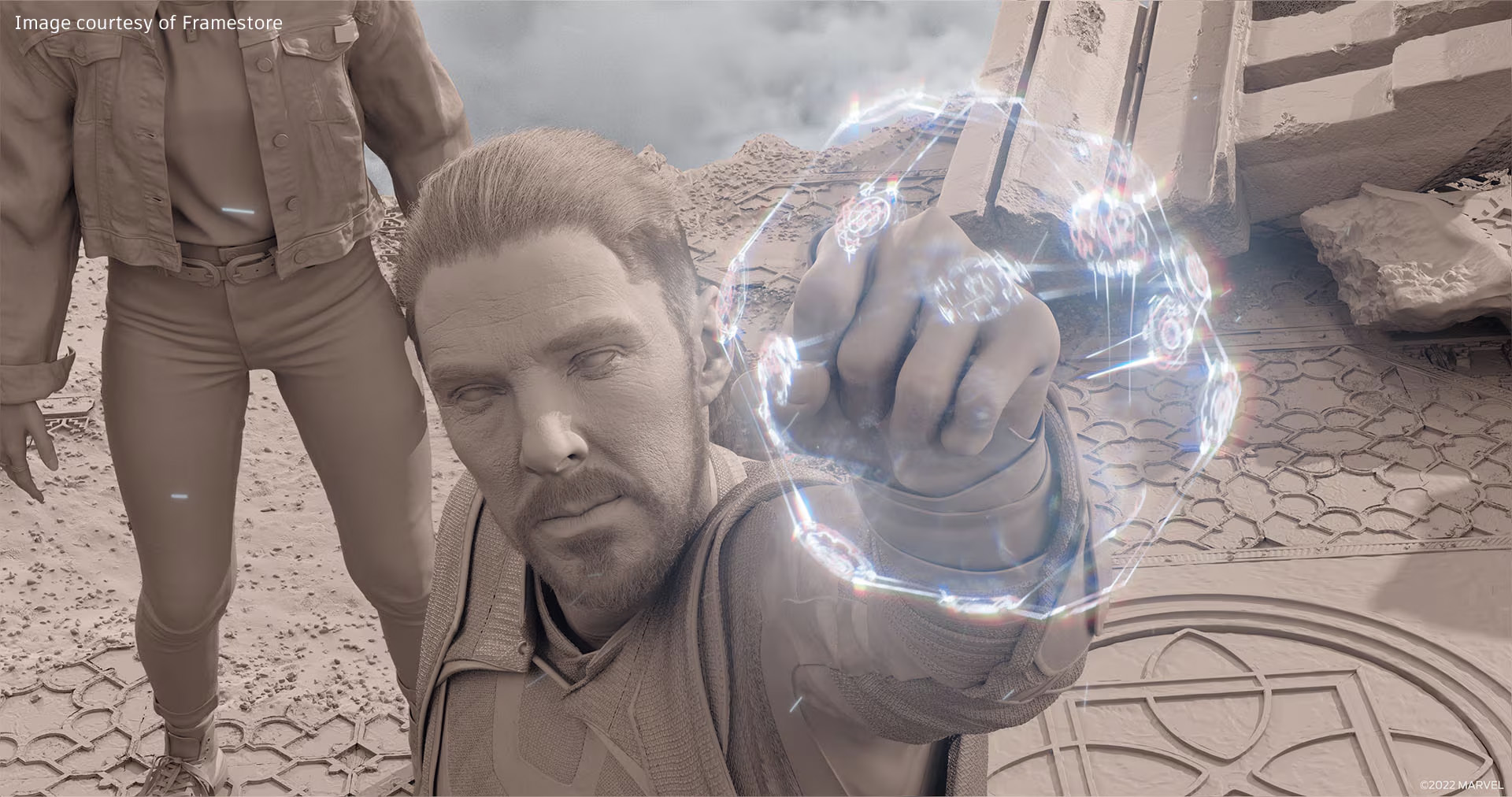
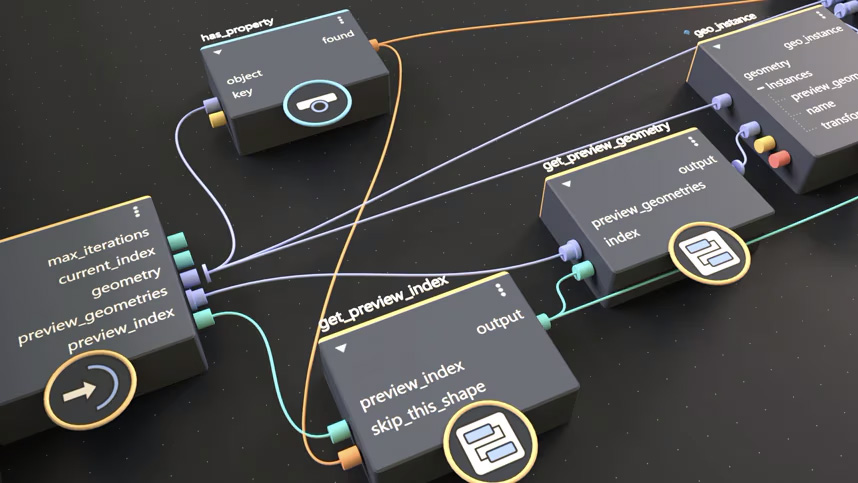
Enterprise-Grade Security
Your intellectual property is our priority. We utilize bank-level AES-256 encryption, secure cloud transfers, and isolated render environments to protect every 3ds Max project.
- Bank-level AES-256 data encryption
- Isolated and secure render environments
- Encrypted binary particle transfer
- Intellectual property protection protocols
24/7 Global Infrastructure
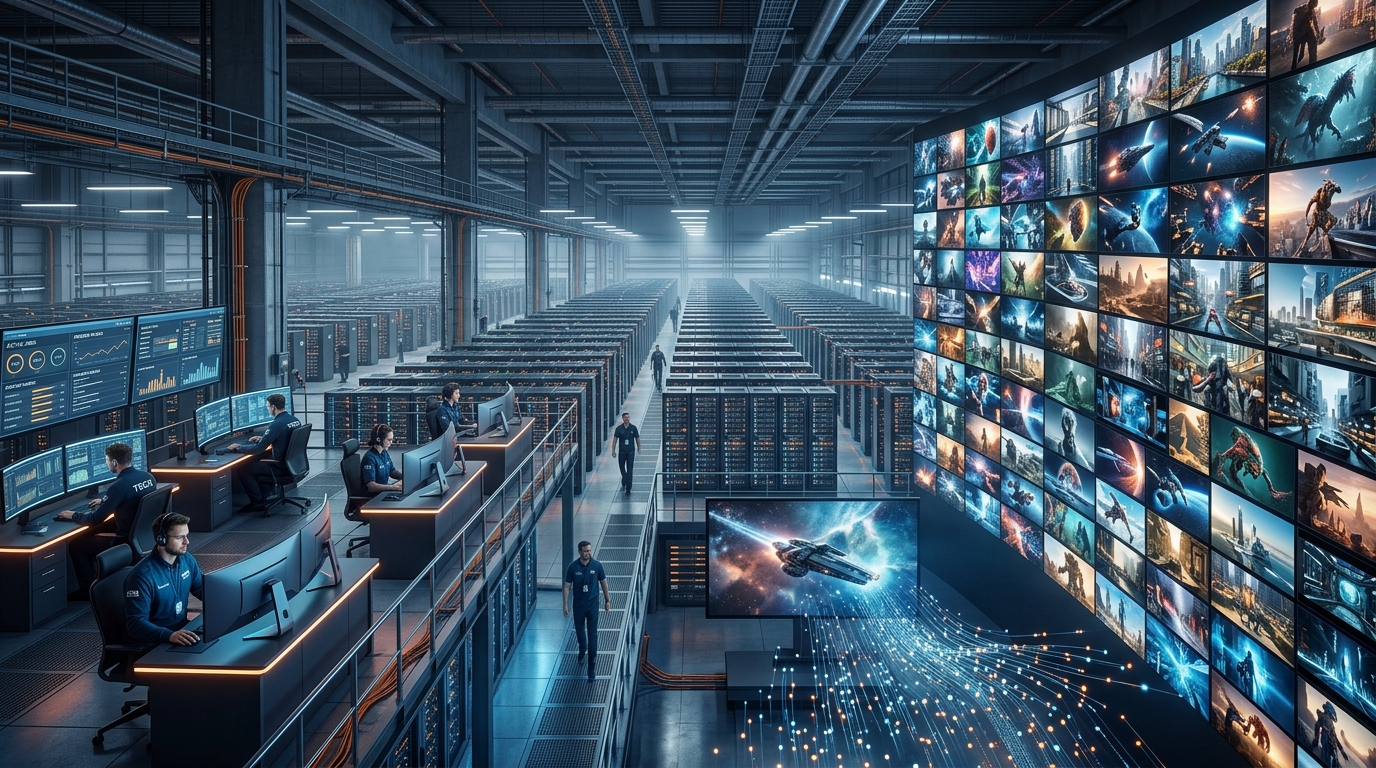
Our world-class render farm operates continuously, monitoring thousands of jobs in real-time. Experience maximum uptime and consistent rendering quality for Hollywood-level productions.
3ds Max is billed as cloud render: the farm assigns the machines and you pay for the CPU and GPU hours your job uses.
Supported 3ds Max versions and render engines
The farm loads 8 3ds Max versions, from 2018 to 2025. Submit a .max scene from SkyRender Desktop and it renders on the same version you authored it in — there is no conversion step and no downgrade, so shaders, modifiers and render settings arrive exactly as you left them.
3ds Max versions
- 3ds Max 2018
- 3ds Max 2019
- 3ds Max 2020
- 3ds Max 2021
- 3ds Max 2022
- 3ds Max 2023
- 3ds Max 2024
- 3ds Max 2025
Render engines
- Scanline
- Quicksilver
- Arnold
- Corona
- V-Ray
- Redshift
SkyRender Desktop checks the scene before it uploads and names anything the farm cannot load, so a mismatch is caught on your machine rather than after you have paid for a node.
How a 3ds Max job runs
You submit the scene and the farm allocates the machines for it. There is no node list to read and no hardware to choose — the capacity a job needs is worked out from the job, and you are billed for the CPU and GPU hours it actually uses.
1. Upload the scene
SkyRender Desktop packs the .max file with its textures, caches and linked assets, and uploads what changed rather than the whole project.
2. The farm allocates the machines
Capacity is assigned to the job rather than rented by you, so there is nothing to size or configure. What you pay follows the CPU and GPU hours the render consumes.
3. Render
Frames are rendered in parallel across the machines assigned to the job, and the running cost updates live while it works rather than arriving as a total at the end.
4. Collect the frames
Finished frames download automatically as they complete, so the first ones are on your disk before the last ones have started.
Because the hardware is assigned rather than chosen, the number to watch is time rather than machines: a heavier scene costs more because it occupies the farm for longer. Send two or three test frames first and the per-frame figure they report is the one the full sequence will follow.
What a 3ds Max render costs
There is no per-frame price list, because there is no honest one to publish. What a frame costs depends on your scene — how many objects it holds, how the shaders are built, how many light bounces you allow and how long a sample takes to resolve. Two scenes at the same resolution can differ by an order of magnitude.
What we can give you is arithmetic. You pay for node time, billed in SkyPoints, with no subscription and no minimum monthly spend. On a published benchmark of 2,500 frames averaging 60 seconds each on an RTX 4090 in Cycles, the job costs about $27 here, against $240 at Fox Render Farm, $524 at Ranch Computing, $572 at Rebus Farm.
If the estimate matters before you commit, render a handful of frames first. A test render on the real hardware costs a few SkyPoints and tells you the per-frame figure for your scene exactly, which is more useful than any average we could quote.
Your files, and how long we keep them
There is no limit on scene size and no limit on how much you upload. A 3ds Max project with heavy caches, 8K textures or a full asset library goes up as it is.
Scenes: 15 days
An uploaded scene is deleted 15 days after it arrives, together with the render jobs attached to it and their output. Nothing lingers on our storage after that, and nothing has to be deleted by hand.
Render jobs: 7 days
A render job and its frames are removed 7 days after the job is created. Frames download to your machine as they finish, so the copy that matters is already yours before this applies.