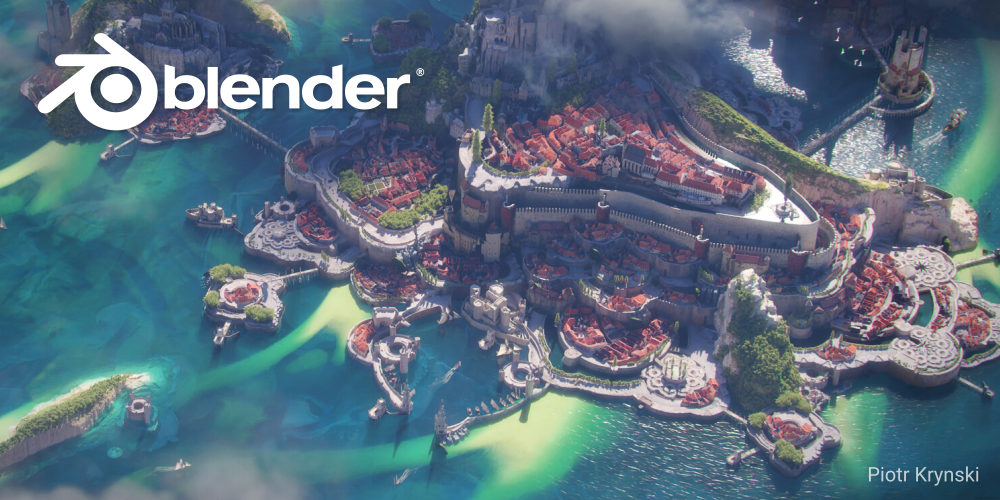
The release of Blender 4.3 has completely revolutionized the way technical artists, environment designers, and VFX studios approach procedural world-building. With major speed upgrades to the Geometry Nodes engine and highly efficient memory management protocols, building massive, detailed procedural worlds has never been faster or more robust.
In this deep-dive guide, we will explore the core methodologies required to build complex procedural scattering ecosystems while maintaining clean viewport frame rates.
1. Introduction to Procedural Ecology in Blender 4.3
Building organic systems procedurally requires a shift in how we think about 3D assets. Instead of placing trees, rocks, and grass blades manually, we establish mathematical rules that define how assets are scattered across terrain surfaces based on elevation, slope, and proximity to other meshes.

With Blender 4.3, the Geometry Nodes network operates as a non-destructive layout engine, allowing you to swap target terrains or update scatter objects instantly.
2. Crafting Dynamic Distribution Rules with Fields
To make a procedural forest look realistic, assets should not be scattered uniformly. In nature, trees cluster in flat valleys with rich soil, while rocks accumulate on steep slopes.
We can simulate these natural distributions by extracting the surface normal vectors of our terrain mesh. By using a Separate XYZ node on the normal vectors and feeding the Z-channel into a Map Range node, we can isolate flat slopes and restrict tree instancing to valleys.
3. Implementing Camera-Frustum Culling to Boost Viewport Speed
When dealing with billions of polygons, calculating assets that are outside the camera's view is a massive waste of computer resources.
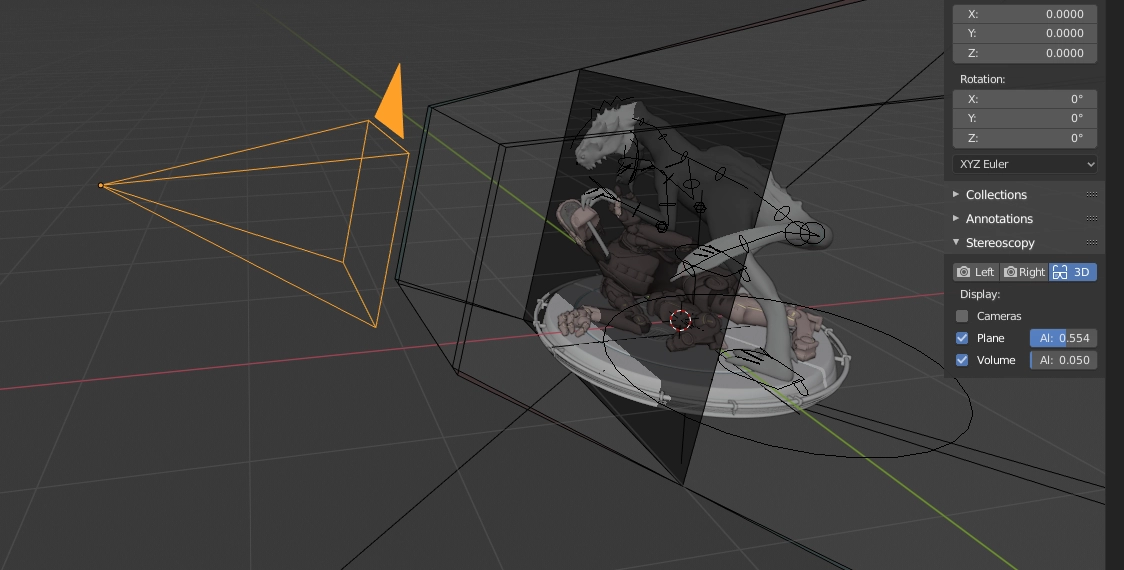
Using the Camera Data node combined with vector math nodes, we can calculate the camera's viewing frustum. We can then delete any points on our terrain that fall outside this boundary before instancing our assets, slashing our viewport polygon count.
4. Advanced Texture-Driven Density Mapping and Vertex Masking
For precise artistic control, we can overlay hand-painted weight maps or procedurally generated noise textures to control asset density.
By connecting an Image Texture or Noise Texture node directly to the density input of our Distribute Points on Faces node, we can create custom paths, forest clearings, or patches of dense foliage with absolute pixel-level precision.
5. Managing High-Polygon Assets with Multi-Instances and Points
By default, instancing complex assets can consume massive amounts of system memory.

To avoid system slowdowns, always toggle on Instance options inside your Geometry Node setup. Instancing references the base model data repeatedly without copying its geometry into RAM, allowing you to display millions of polygons with minimal system overhead.
6. Linking Dynamic Wind and Physics Modifiers with Fields
To bring your procedural environments to life, you must introduce realistic motion.
By using the Scene Time node and combining it with a noise texture, you can offset the position and rotation of instanced grass blades and branches procedurally, creating organic wind ripples across your scene without needing complex physics simulations.
7. Resolving External Path Dependencies and Missing Assets
When preparing to share or render your procedural scenes on cloud networks, missing asset paths are a common headache.
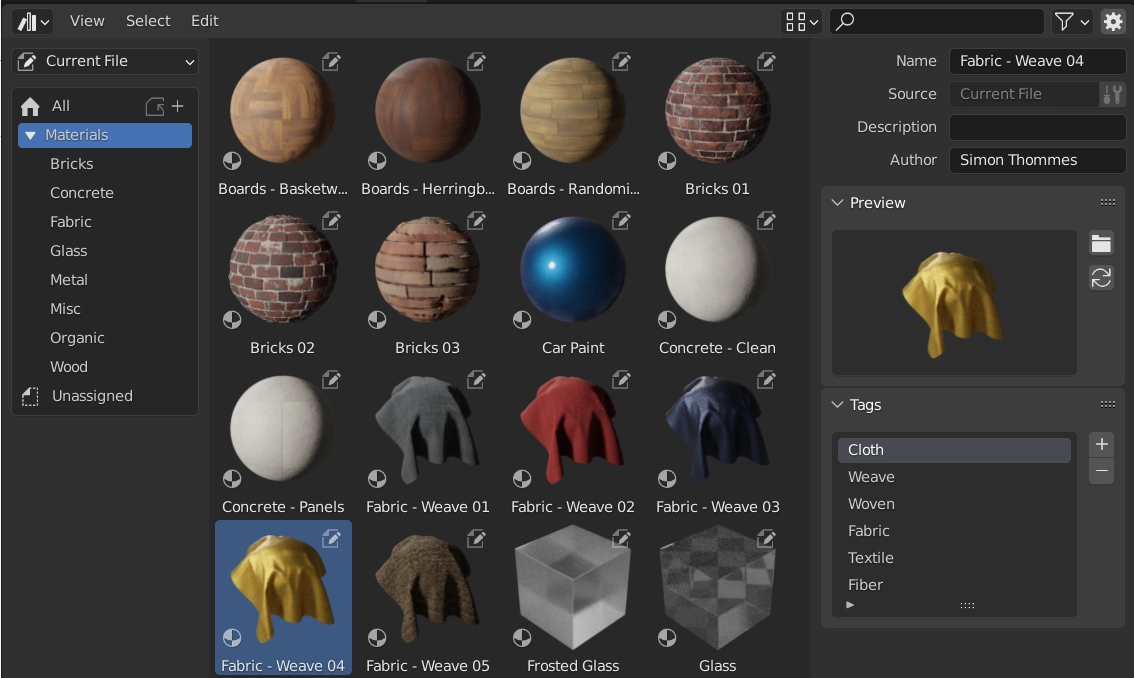
To prevent render errors, navigate to File > External Data > Pack Resources before saving. This compiles all referenced textures, HDRIs, and proxies directly into your single project file, ensuring everything renders perfectly on any computer.
8. Accelerating Heavy Node Calculations with Sky Render Farm
Complex procedural scenes with dense instanced vegetation, volumetrics, and motion blur are highly compute-intensive.
Sky Render Farm's powerful GPU clusters are fully optimized for Blender 4.3. By offloading your projects to our farm, you can render complex animations in a fraction of the time, allowing you to focus on creative iteration.