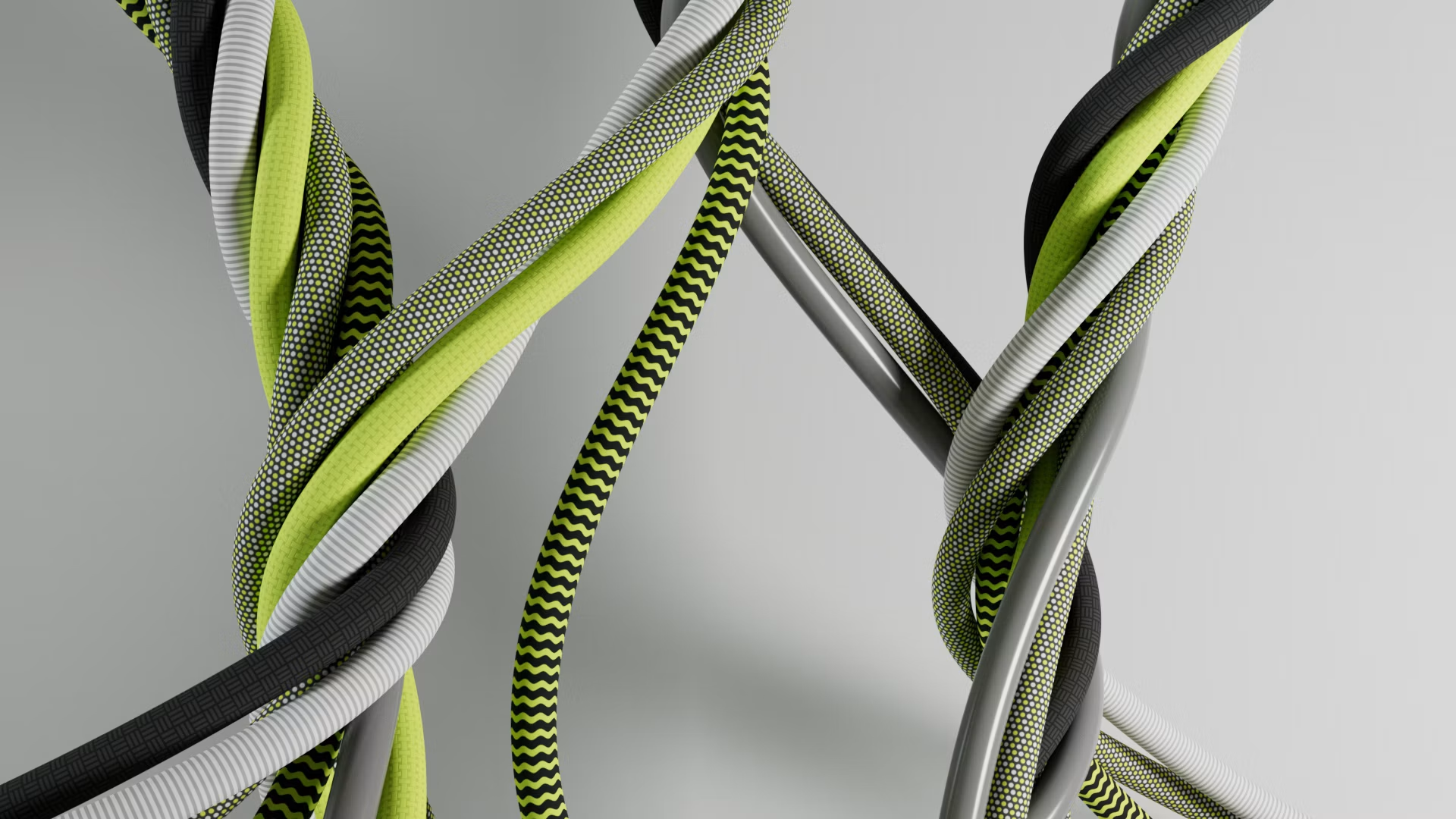
The MoGraph toolset is Cinema 4D's crown jewel, allowing motion designers to clone and animate thousands of complex 3D objects with ease. However, when managing massive clone setups, viewport performance and memory usage can quickly degrade.
This optimization tutorial covers how to handle massive cloner setups, speed up viewport playback, and cache complex physics simulations.
1. Multi-Instances: Saving Gigabytes of System RAM
By default, the Cloner object generates individual, unique meshes, which can quickly consume all of your system's RAM.

To optimize your scene, open your Cloner object settings and change the Instance Mode to Multi-Instance. This allows Cinema 4D to render millions of clones with virtually zero memory overhead, keeping your viewport highly responsive even with massive datasets.
2. Caching Dynamics, Rigid Bodies, and MoGraph Cloner Animations
Physics simulations and field animation nodes are recalculated on every single frame, causing slow viewport playback and potential render glitches.
Always use the MoGraph Cache tag to bake your cloner animations. For dynamic rigid-body or soft-body simulations, use the Dynamics Body tag's Cache settings to bake the motion. Caching your simulations prevents rendering errors and ensures perfect consistency when sending files to a render farm.
3. Procedural Controls: Utilizing MoGraph Fields and Delay Effectors
Fields allow you to control animations procedurally using solid spheres, boxes, or shader noises.
Combine a Linear Field with a Delay Effector (set to Spring mode) to create fluid, overlapping motion curves that look clean and professionally animated, adding organic rebound behaviors without needing custom animation keyframes.
4. Streamlining Viewport Speeds with Level of Detail (LOD) Settings
When working on massive motion graphics layouts, objects far from the camera don't need to be displayed in full detail.
Set up a Level of Detail (LOD) object inside Cinema 4D to automatically swap high-polygon models with low-resolution proxies based on their distance from the active camera. This slashes your viewport polygon count, keeping your playback frame rates high while you animate.
5. Exporting Heavy Simulations: Generating Clean Alembic Files
For complex dynamic systems, cloner grids, or fracturing meshes, transferring the native setups between software packages can cause file corruption.
To prevent this, export your baked simulations as Alembic (.abc) caches. Alembic files save your geometry's vertex position data directly, ensuring stable, reliable imports and extremely fast rendering speeds across all pipeline programs.
6. Harnessing Cloud Power for Complex MoGraph Rendering
Sending heavy MoGraph animations with Redshift or Arnold materials to the cloud is a seamless experience on Sky Render Farm.

Our system fully supports all native Cinema 4D tags, cached dynamic simulations, and third-party plugins, delivering finished animations in minutes so you can focus on creative iteration instead of rendering downtime.