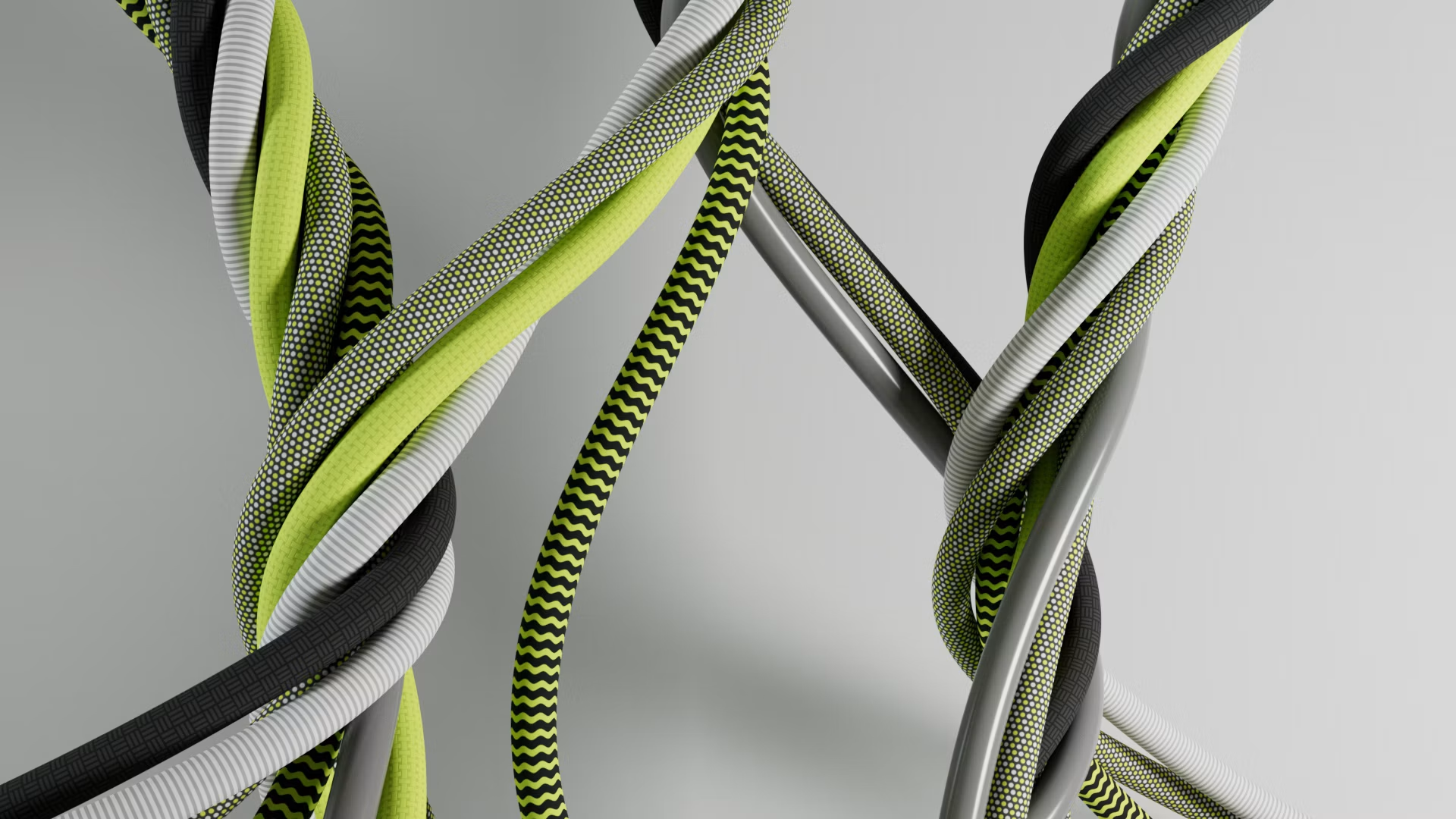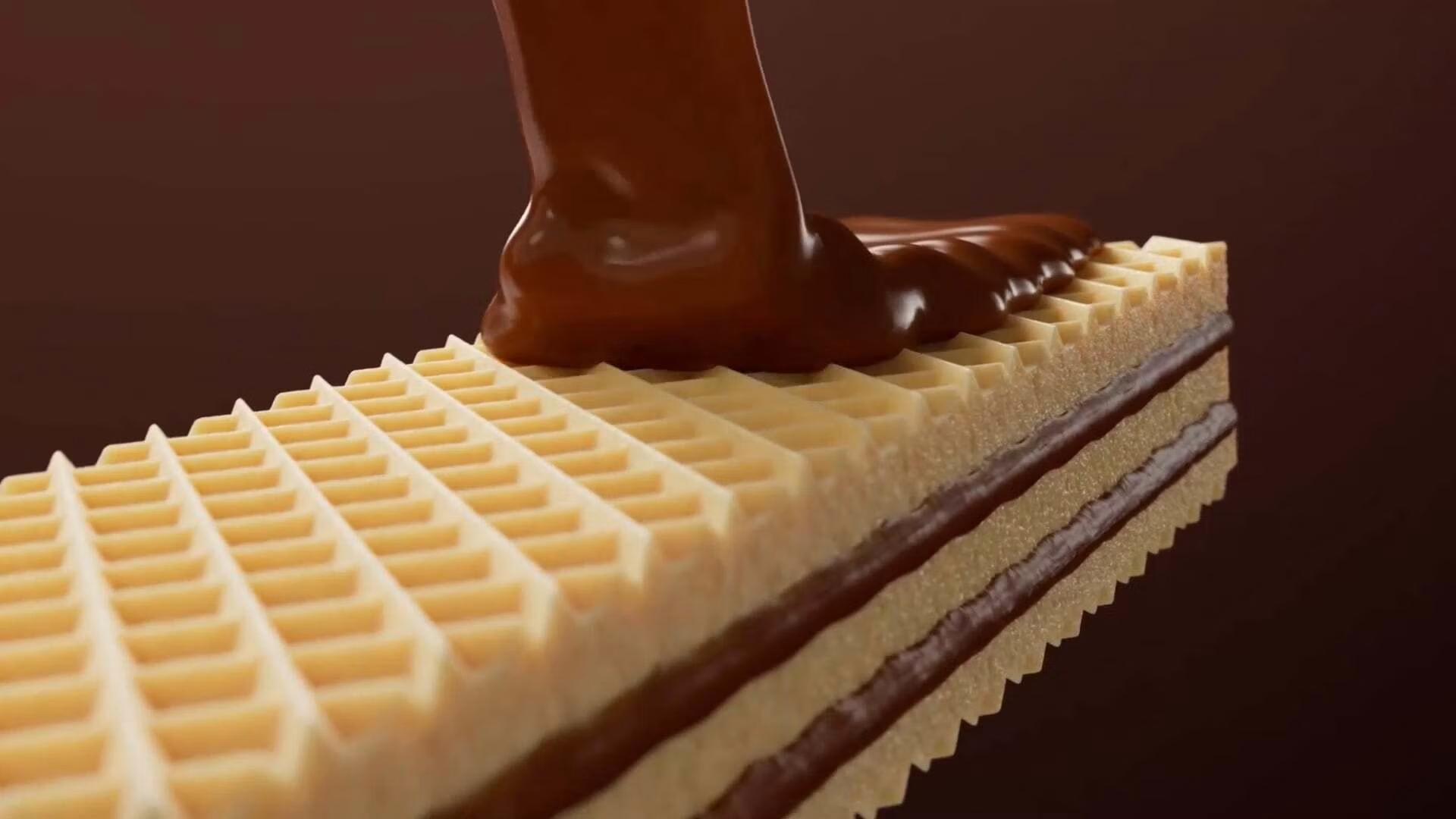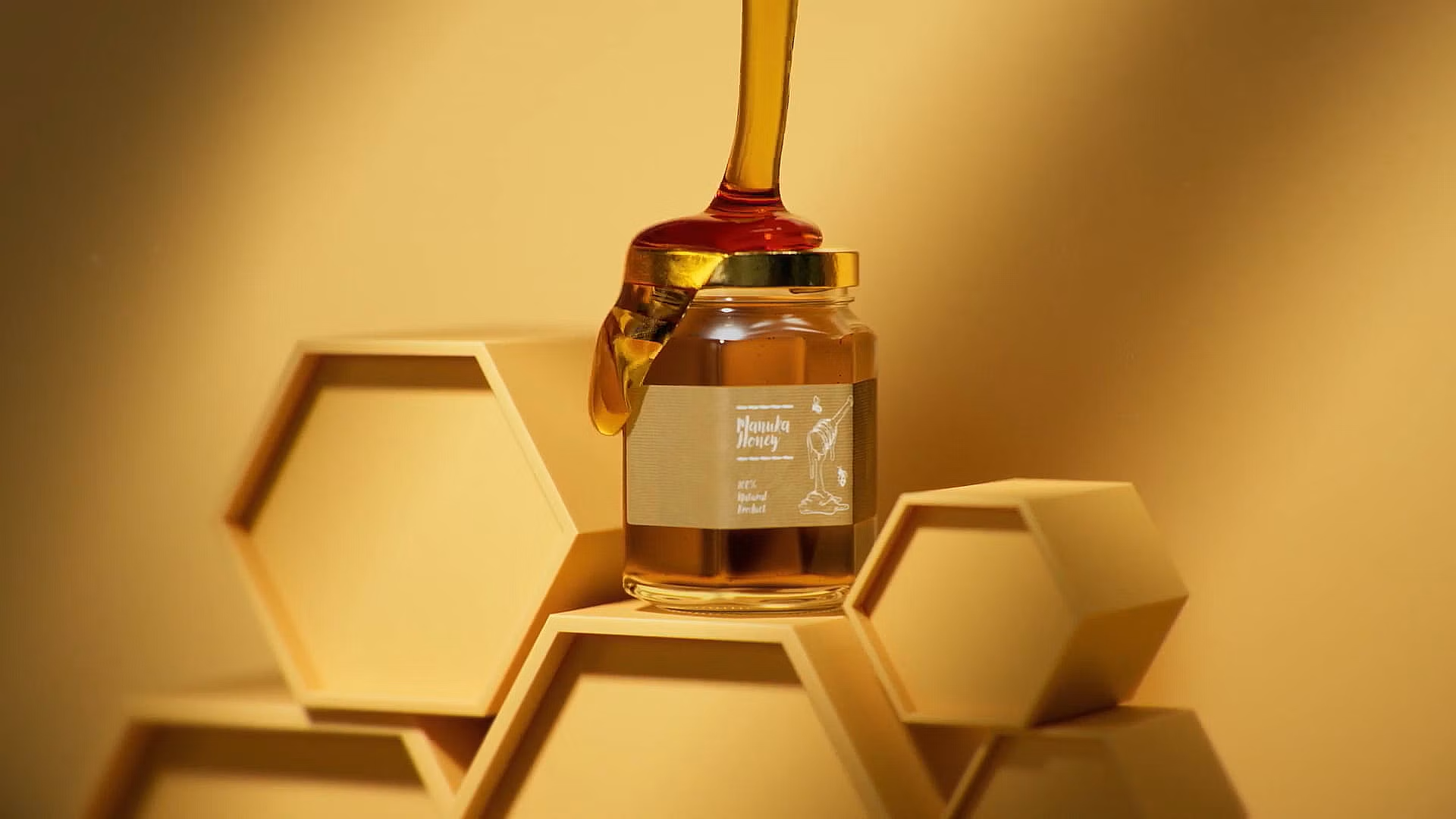
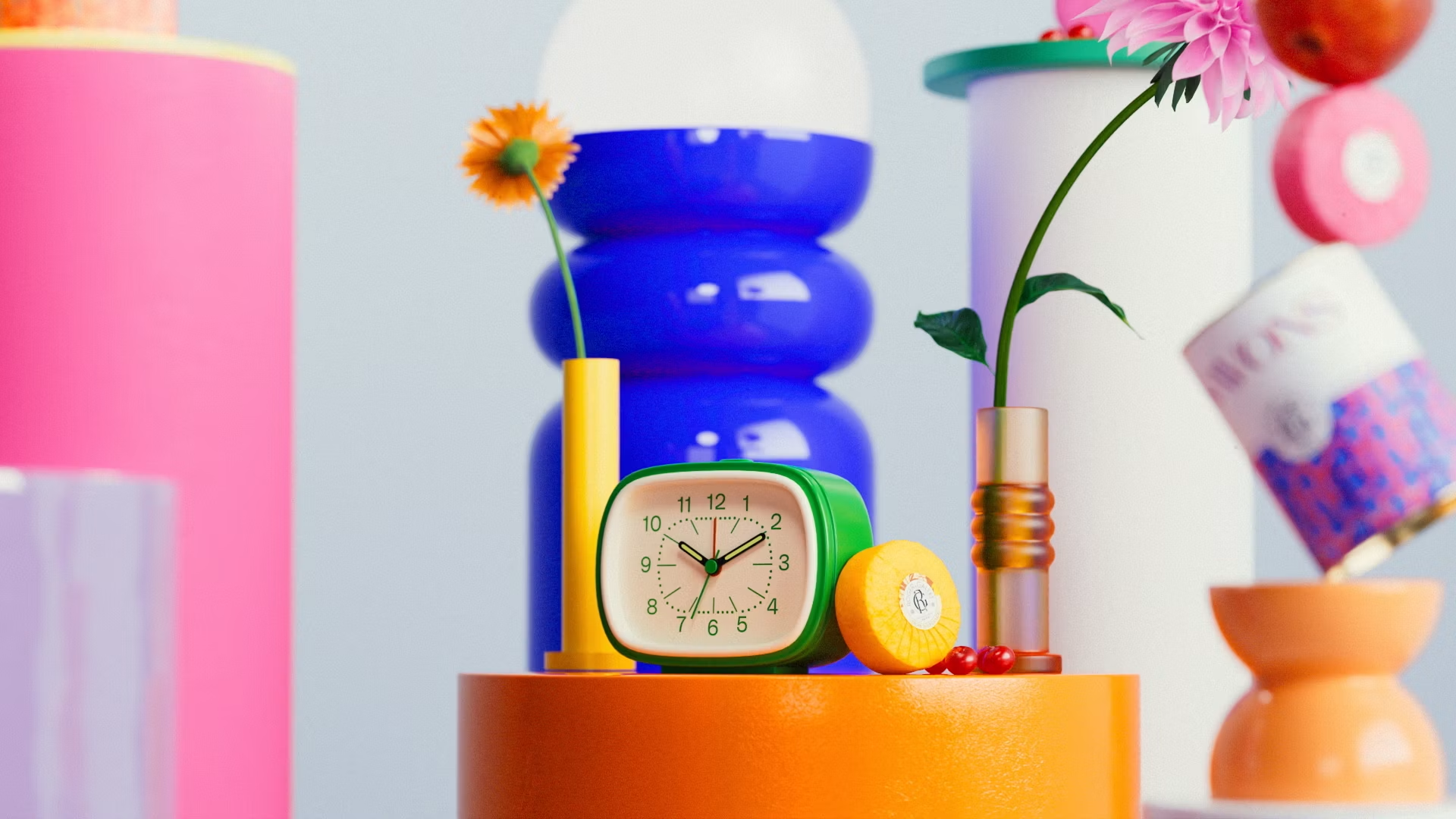
Rendering high-end cosmetics, perfume bottles, and fluid simulations is a core skill for professional 3D motion designers. Maxon's Cinema 4D paired with the GPU-accelerated Redshift renderer provides a powerful, fast, and physically accurate material system to simulate complex glass and refractive surfaces.
This comprehensive guide details the technical settings required to master realistic glass, liquids, and volumetric dispersion in Redshift.
1. The Physics of Light Refraction & Chromatic Dispersion in Redshift
When light passes through physical glass, it refracts and splits into a spectrum of colors. To simulate this beautiful optical effect in Redshift, open your glass Material Node and navigate to the Refraction tab.
Enable Dispersion and set the Abbe value between 30 and 50. A lower Abbe value increases the rainbow refraction effect, adding stunning realism to thick glass edges.
2. Constructing Realistic Liquid Absorption with Depth Volumetrics
In the physical world, colored liquids are darker in thick volumes and lighter near thin edges. Avoid using a flat diffuse color to represent liquid.
Instead, configure Redshift's Absorption Distance and Absorption Color settings. This calculates light attenuation based on the travel distance of light rays, creating rich, deep centers and perfectly transparent, delicate liquid edges.
3. Utilizing Subsurface Scattering (SSS) for Opaque and Semi-Opaque Liquids
For semi-opaque liquids like milk, orange juice, or cosmetic lotions, light doesn't just pass straight through; it scatters inside the volume.
Enable Subsurface Scattering in Redshift and adjust the scatter radius to simulate beautiful, glowing, semi-translucent liquids with perfect photorealism, capturing the warm glow of light scattered within the liquid.
4. Adding Micro-Scratches & Surface Dust via Redshift Shader Nodes
No physical product is perfectly clean. To break up the digital perfection of your renders, combine a high-resolution roughness map containing surface imperfections with your base material roughness.
Using Redshift's Bump Blender node, you can also overlay subtle microscopic scratches, smudges, or dust specs. This makes your 3D cosmetics look tangible and photorealistic.
5. Simulating Glass-Liquid Boundary Intersecting Geometries
When rendering liquid inside a glass bottle, a common mistake is leaving a gap between the liquid mesh and the inner glass wall, or making them overlap perfectly.
To avoid rendering artifacts:
- Slightly scale up your liquid mesh so it intersects the inner wall of the glass by about 0.5% to 1%.
- Ensure the liquid mesh is inside the glass mesh. Redshift resolves this intersection automatically, producing clean glass-liquid interfaces that look physically correct.
6. Rendering High-End Cosmetics and Fluid Animations on Sky Render Farm
Complex glass materials, liquid dispersion, and high-resolution motion graphics require heavy GPU processing and high memory footprint.

Sky Render Farm's advanced NVIDIA RTX 5090 and RTX 4090 GPU clusters are fully optimized for Cinema 4D and Redshift, allowing you to render complex product animations and dynamic simulation sequences in a fraction of the time without worrying about hardware overhead.