
The release of Unreal Engine 5.5 represents a major paradigm shift for real-time virtual production, game development, and cinematic visual effects. By establishing native real-time global illumination and virtualized geometry, creators can construct photorealistic digital environments that update instantly at high frame rates.
In this deep-dive guide, we will analyze the technical mechanics of Lumen and Nanite inside virtual production environments, explore how to optimize virtual stages, and explain how to utilize cloud compilation to scale your rendering.
1. The Real-Time Paradigm Shift: Unreal Engine 5.5 in Modern Virtual Production
Traditional cinematic production has always relied on offline rendering pipelines, where single frames can take hours to compute. Unreal Engine 5.5 completely dismantles this slow cycle by allowing filmmakers to view final-pixel, photorealistic elements interactively in real-time.

This real-time feedback loop allows directors to adjust set layouts, modify atmospheric lighting, and direct actors inside a fully synchronized digital world, completely eliminating the guesswork associated with green screens.
2. Mastering Lumen: Real-Time Dynamic Global Illumination and Reflection Budgets
Lumen is Unreal Engine's fully dynamic global illumination and reflection system. It utilizes a hybrid ray-tracing pipeline that automatically combines lightweight software ray tracing against signed distance fields (SDF) with hardware-accelerated ray tracing on compatible graphics cards.
To maintain stable 60Hz or 120Hz playback on virtual LED stages, managing your Lumen render budget is critical:
- Ray Lighting Mode: Switch from "Surface Cache" to "Hit Lighting" for maximum reflection accuracy on metallic objects.
- Lumen Scene Detail: Adjust the Lumen Scene Lighting Update Speed to balance ray update frequencies and prevent trailing artifacts during rapid lighting shifts.
- Software vs. Hardware Ray Tracing: Enable Hardware Ray Tracing in project settings to utilize dedicated RT cores on NVIDIA cards, achieving clean, physically accurate glass refraction.
3. Nanite Deep-Dive: Virtualized Geometry Scaling and Polycount Optimization
Nanite is a virtualized geometry system that allows artists to import film-quality source assets containing billions of polygons directly into Unreal Engine without worrying about polygon budgets, manual level-of-detail (LOD) setups, or baking normal maps.
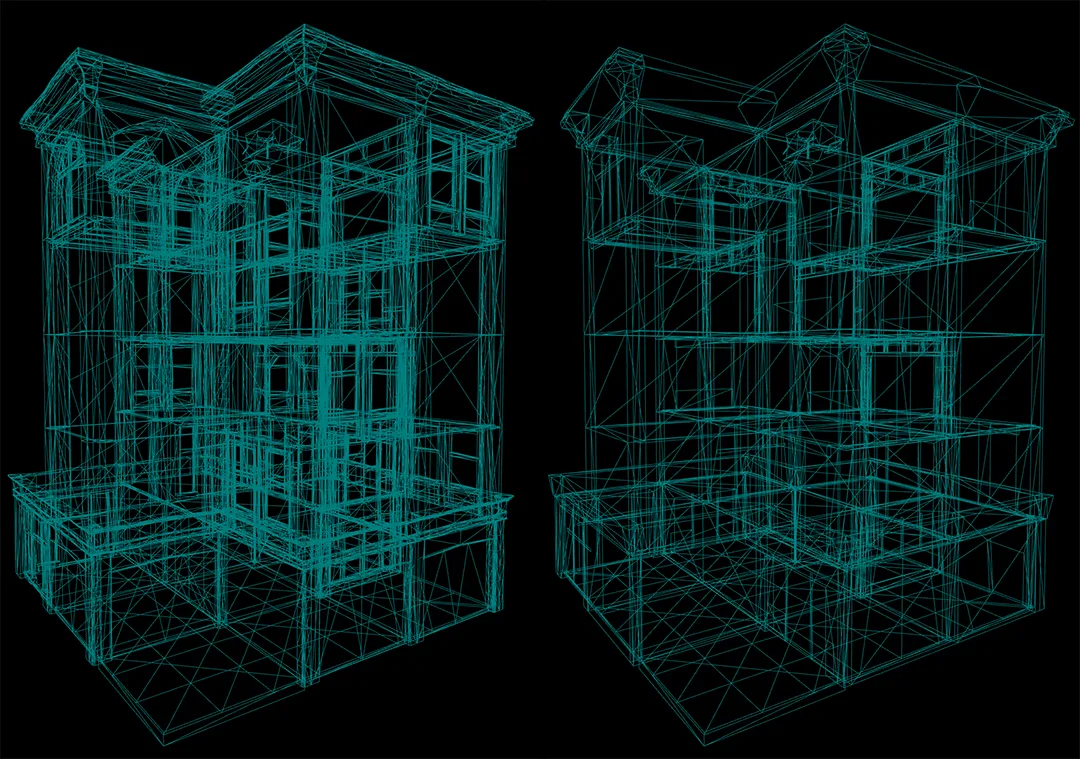
Nanite divides meshes into small clusters of triangles dynamically. As an asset moves away from the camera, Nanite simplifies these clusters on the fly based on screen resolution. This ensures that only the visible details are calculated, keeping the viewport responsive regardless of scene complexity.
4. Virtual Stage Setup: Synchronizing In-Camera VFX (ICVFX) and LED Volumes
In-Camera VFX (ICVFX) combines real-world acting with real-time digital environments on massive LED walls. To achieve seamless integration:
- nDisplay Configuration: Map your digital camera frustum to the LED wall layout using nDisplay. This ensures the digital backdrop adapts its perspective automatically as the camera moves.
- Genlock Synchronization: Synchronize your cinema camera shutter with the LED processor's refresh rate to eliminate rolling shutter lines and flicker.
- Color Matching: Use custom 3D LUTs to match the color output of the LED screen with the camera sensor, ensuring the physical and digital elements blend seamlessly.
5. Optimizing VRAM Allocations: Managing Virtual Textures and High-Resolution Assets
Loading uncompressed 8K textures for vast virtual backdrops can easily crash a GPU's VRAM. To avoid this bottleneck, implement Virtual Texturing:
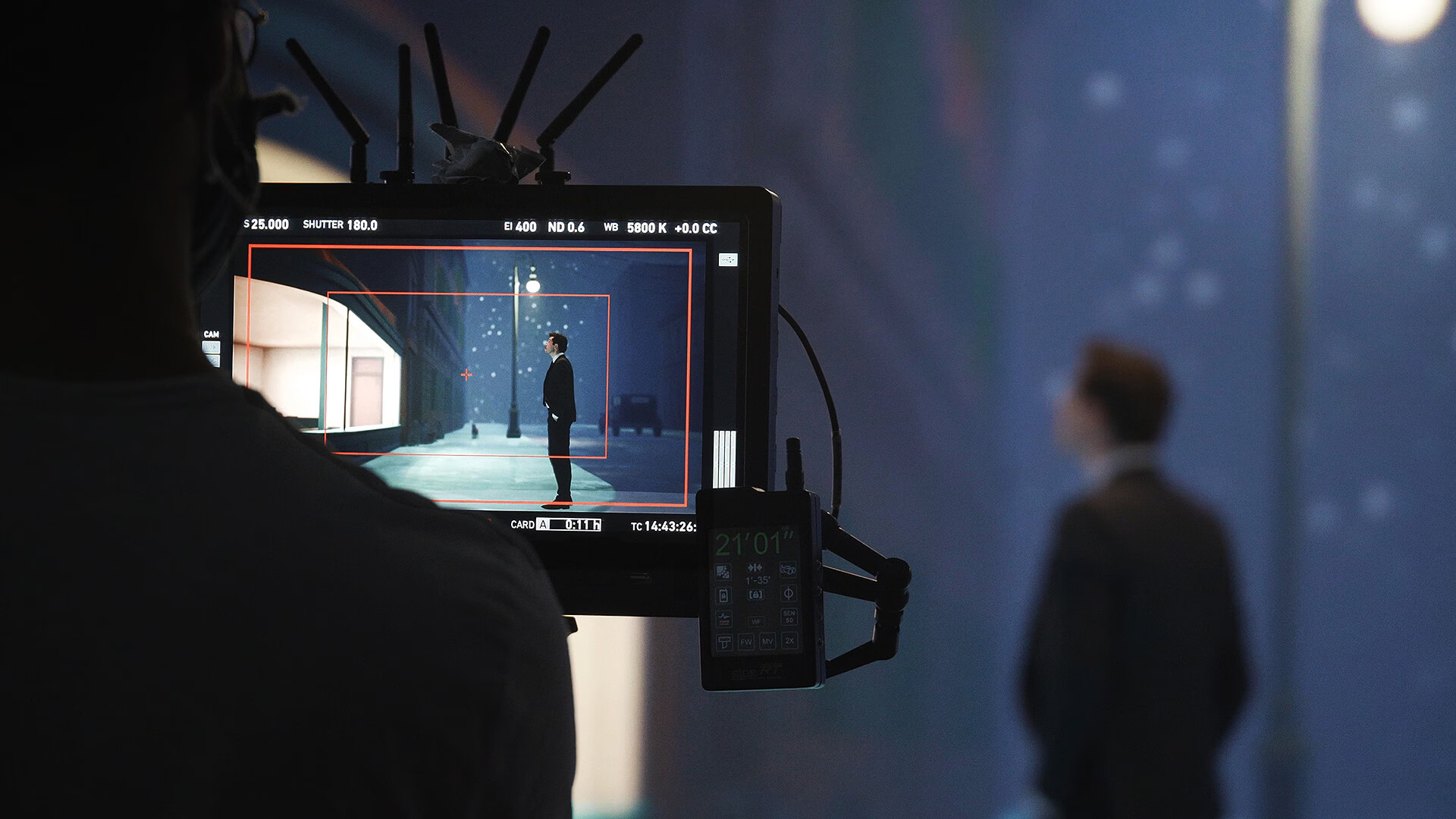
Virtual Texturing slices high-resolution images into small tiles and only loads the tiles that are actively visible in the camera's viewport. Combining this with texture streaming limits memory consumption and keeps frame rates smooth.
6. Remote Compilation: Accelerating Shader Compile Times and Build Packaging
One of the largest workflow hurdles in Unreal Engine is shader compilation. Complex projects containing thousands of materials can lock local workstations for hours.
To bypass this bottleneck, configure Shader Cook Server networks. Distributing the compilation load across high-performance remote servers keeps your local workstation responsive and speeds up team iteration loops.
7. Cloud Workloads: Scaling Unreal Engine Cinematic Exports on Sky Render Farm
Exporting cinematic, multi-layered EXR sequences at 4K or 8K resolution requires massive compute resources.

By shifting your Unreal Engine exports to Sky Render Farm, you gain instant access to dedicated high-performance cloud clusters fully optimized for real-time and path-traced rendering. This lets you output final-pixel frames in minutes instead of days, keeping your production on schedule.