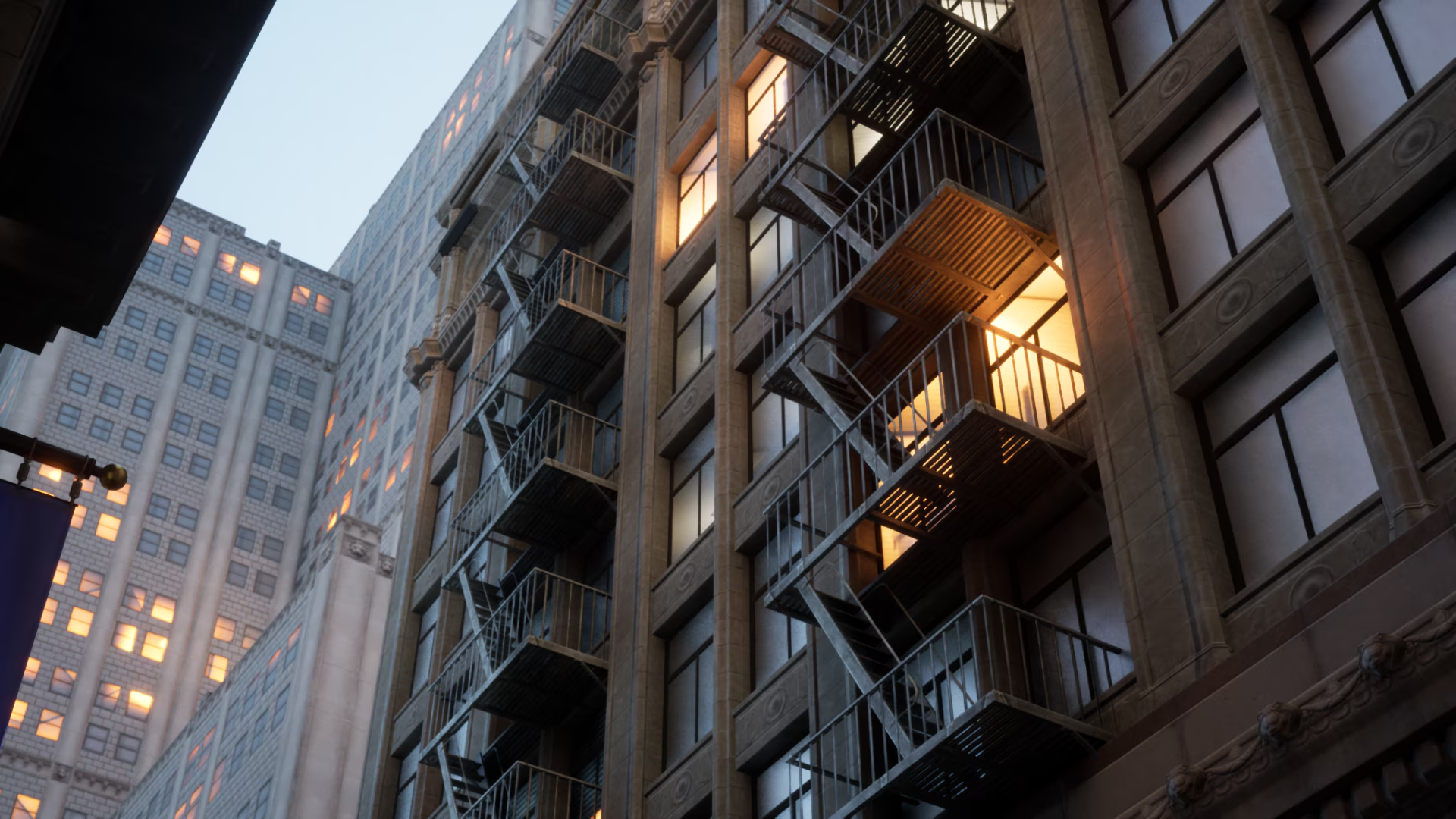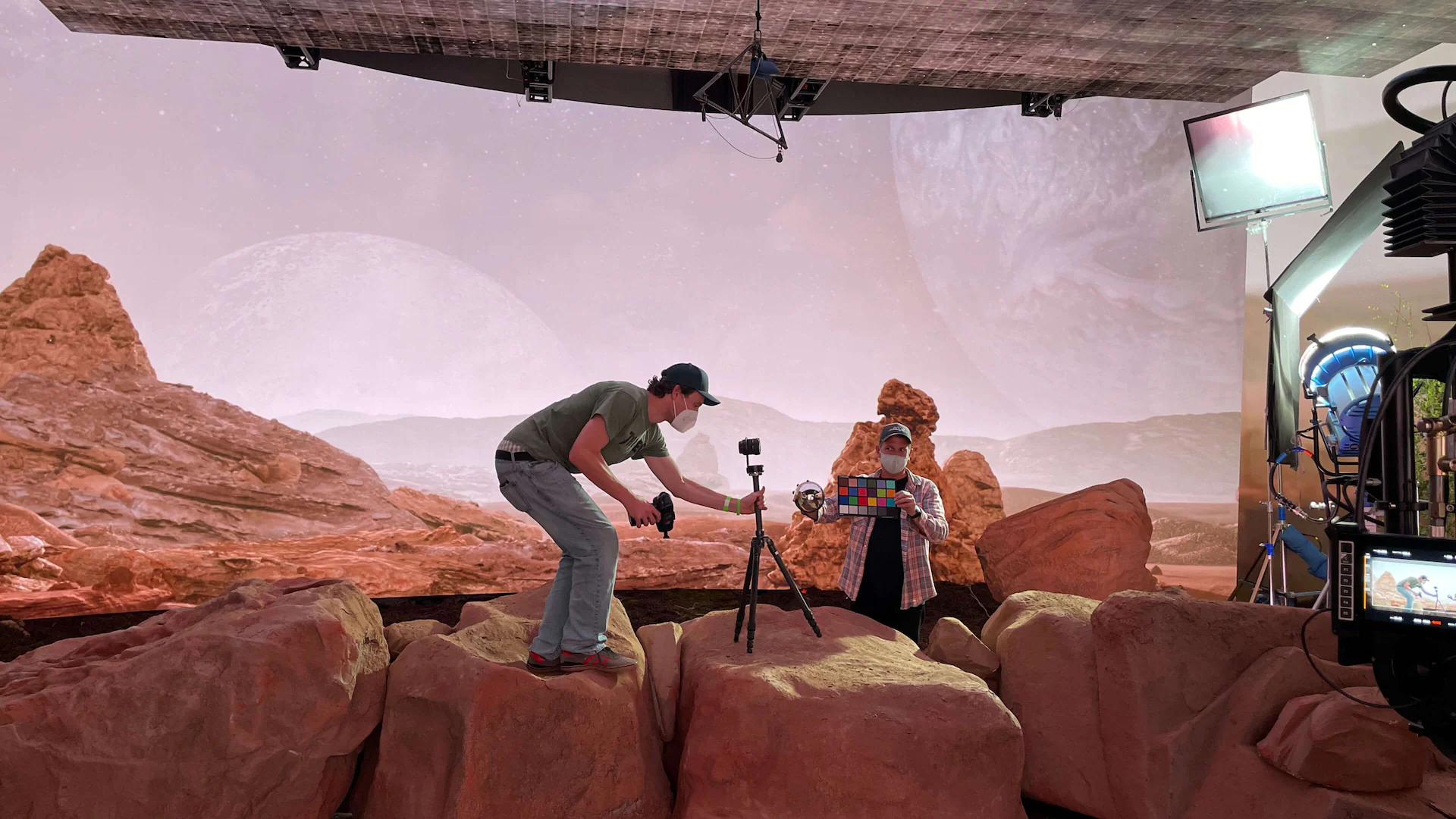
While Unreal Engine is famous for its real-time capabilities, it has rapidly evolved into a leading choice for offline cinematic rendering. By combining the high-fidelity Path Tracer with the customizable Movie Render Queue (MRQ), studios can produce pixel-perfect cinematic renders that match traditional ray-tracing engines.
In this deep-dive guide, we will analyze the cinematic rendering pipelines in Unreal Engine 5, master Substrate shading networks, configure cinematic cameras, and optimize final exports.
1. CGI Cinematography: Adapting Unreal Engine 5 for High-End Cinematic Rendering
Using a real-time engine for final-pixel cinematic sequences requires a shift in how you structure your scene assets. Instead of focusing on viewport performance, you prioritize maximum mesh density, physical material response, and clean anti-aliasing.

Unreal Engine 5 bridges this gap by offering dedicated cinematic controls that mimic real-world film sets. Filmmakers can control physical lighting units (Lux, Candelas), select film stocks, and configure dynamic camera rigs to achieve perfect compositions.
2. The Path Tracer Engine: Utilizing Offline Ray-Tracing inside Unreal Engine
The Unreal Path Tracer is a hardware-accelerated, physically correct progressive rendering engine. Unlike Lumen, which uses real-time approximations, the Path Tracer calculates millions of physical light rays recursively, resolving complex caustics, subsurface scattering, and refractive glass with absolute physical accuracy.
Using the Path Tracer for cinematic animations ensures maximum visual fidelity:
- Ray Tracing Features: Path Tracer naturally resolves details that real-time pipelines skip, such as secondary light bounces inside complex hair grooms or multi-layered glass refractions.
- Sample Control: You can scale render samples from 1024 to 16384 depending on your noise budget, using Intel Open Image Denoise (OIDN) to clean up remaining noise.
3. Substrate Materials: Crafting Complex Layered PBR Shaders for Film and VFX
Unreal Engine's new Substrate material framework replaces the classic legacy PBR model. Substrate allows artists to layer different material properties physically on top of each other:
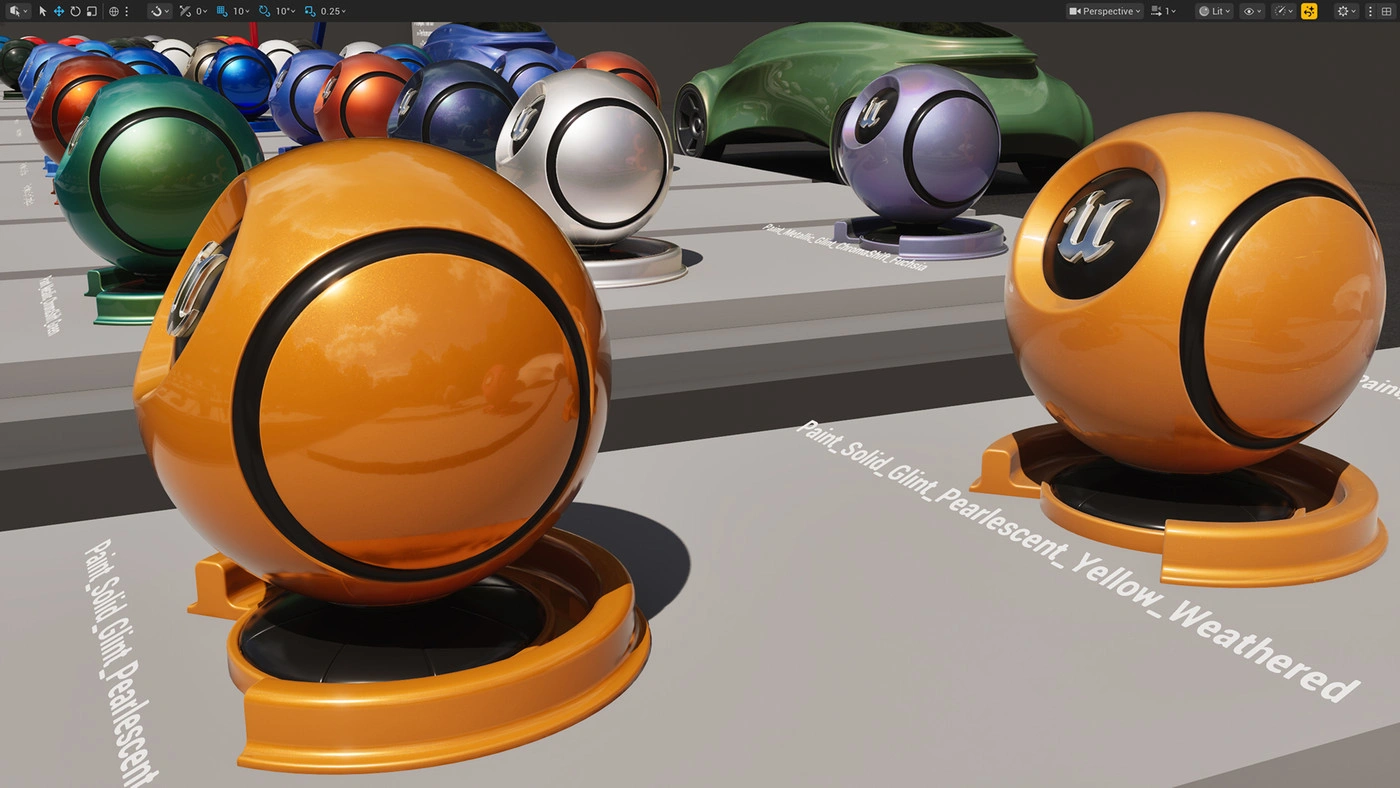
For example, you can create a carbon fiber material with a distinct, physical clear-coat varnish overlay, or metallic car paint with metallic flakes suspended in a colored lacquer layer. Substrate computes light interactions through these layers physically, achieving incredible shader complexity.
4. Cinematic Cameras: Rigging Virtual Cameras, Focal Lengths, and Physical Depth of Field
To capture cinematic shots, Unreal Engine provides the Cine Camera Actor. This virtual camera replicates the behavior of professional physical camera bodies and lenses:
- Sensor Size: Select standard film sensors such as Super 35, Full Frame, or custom IMAX proportions to achieve realistic perspectives.
- Aperture and Depth of Field: Adjust the physical F-stop settings to control light entry and create soft, natural background blurs (bokeh) around your subjects.
- Lens Distortion: Overlay realistic lens profiles to simulate chromatic aberration, vignetting, and barrel distortion for an organic, non-digital look.
5. Movie Render Queue (MRQ): Configuring High-Fidelity Anti-Aliasing and Motion Blur
The default viewport screenshot tool is completely insufficient for high-end exports. You must use the Movie Render Queue (MRQ) for all cinematic deliveries:
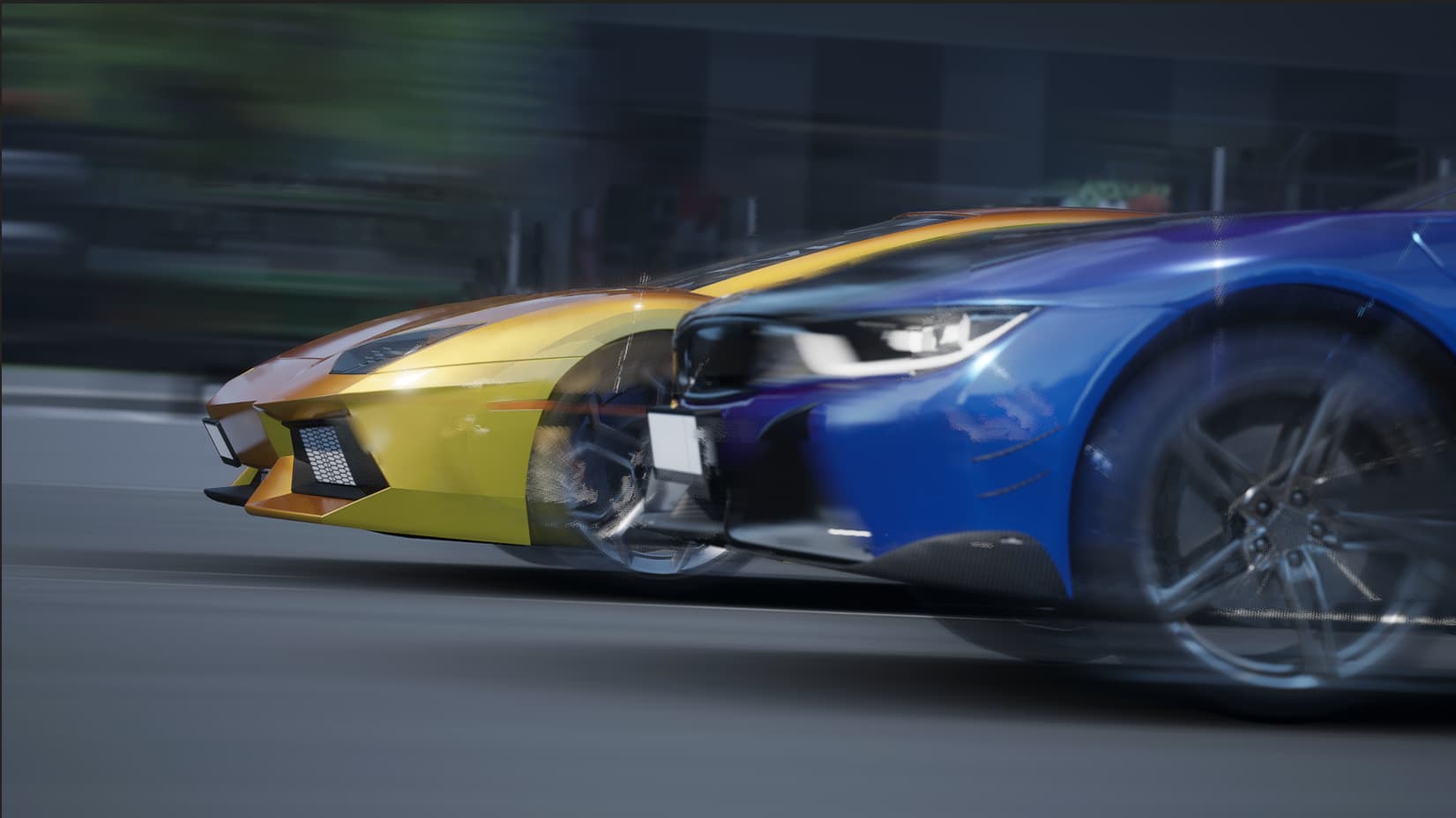
Configure these critical MRQ settings to ensure artifact-free renders:
- Temporal Anti-Aliasing (TAA): Increase Temporal Sample Counts to 8 or 16 to blend frames and eliminate viewport noise.
- Spatial Anti-Aliasing: Increase Spatial Sample Counts to smooth out aliased jagged edges on fine geometry details.
- Motion Blur: Adjust camera shutter angles to calculate realistic, physical motion blur across fast-moving elements.
6. Managing Command-Line Render Scripts and Heavy Scene Assembly
Running heavy cinematic rendering jobs inside the active editor UI can quickly exhaust your system resources. Professional workflows rely on headless command-line rendering.
Export your Movie Render Queue presets as XML/JSON configurations and execute your renders in background processes. This frees up system resources, keeps your workstation stable, and allows you to queue multiple sequences.
7. Scaled Deployments: Distributing Ultra-High-Resolution Cinematic Sequences on Sky Render Farm
Exporting multi-layered 4K EXR animations with complex Substrate shaders and high Path Tracer sample counts can take hours per frame locally.

By offloading your Unreal Engine cinematic projects to Sky Render Farm, you gain instant access to thousands of synchronized cloud nodes equipped with NVIDIA RTX 5090 and RTX 4090 GPUs. Our systems handle your heaviest sequences effortlessly, delivering pristine frames in record time.