
Creating high-end architectural visualizations inside Autodesk 3Ds Max requires a perfect balance between artistic detail and physical light rendering. With the release of Corona Renderer 12, ArchViz specialists have gained access to powerful new tools to detail and refine their scenes.
In this guide, we will explore the professional workflows required to master layered decals and optimize interactive LightMix configurations for commercial-grade rendering.
1. Pushing Visual Realism with Corona 12 Decals
In the real world, surfaces are never perfectly uniform or clean. Sidewalks have cracks, concrete has water damage, and plaster surfaces crumble over time.

The Corona Decal tool allows you to overlay custom texture maps (such as dust, cracks, or leaks) onto your models procedurally. This prevents you from having to modify the base geometry or UV layouts, making it incredibly fast and non-destructive to add realistic surface imperfections.
2. Multi-Layer Decal Blending and UV Projection Controls
Corona 12 allows you to layer multiple decals on top of each other, creating rich, complex surface details.
Use the custom Decal Lister panel to organize and control your decals. You can adjust the blending opacity and set custom projection angles to ensure your decals warp naturally over complex organic structures, creating believable transitions.
3. Setting Up Non-Destructive Interactive LightMix for Day-to-Night Transitions
One of Corona Renderer's most beloved features is LightMix. LightMix allows you to adjust the intensity and color of individual light sources in real-time during or after rendering.
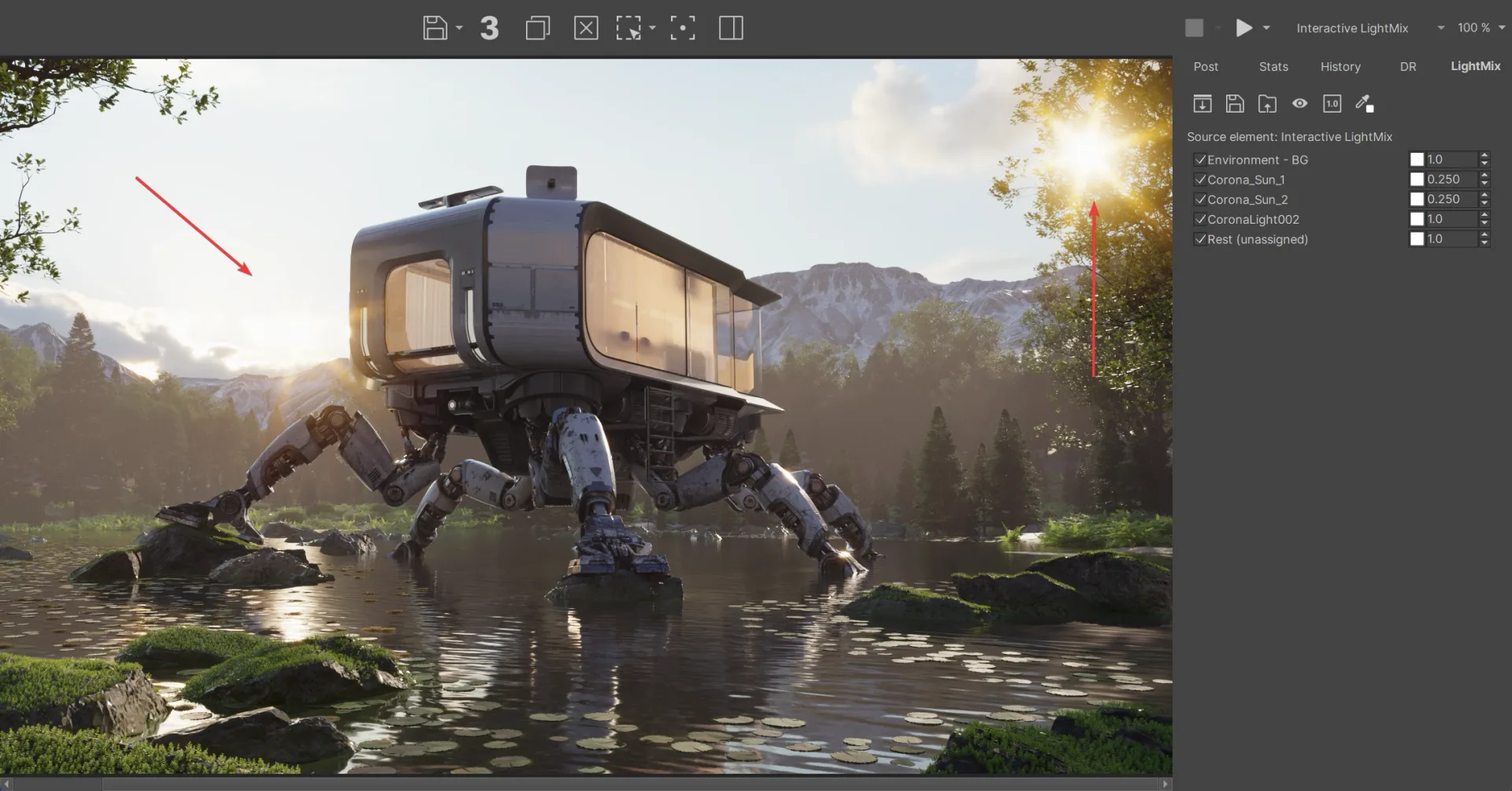
Instead of setting up separate files for daylight and night shots, you can set up a single render containing all light sources. You can then adjust the sliders inside the Corona Frame Buffer (VFB) to create day-to-night transitions instantly, saving hours of render time.
4. Managing Memory Limits and System Overheads in LightMix
While LightMix is incredibly powerful, every light group you create requires an extra render pass, which can quickly saturate your system RAM.
For high-resolution 4K or 8K commercial renders, limit your LightMix groups to essential lights. Group similar light fixtures (such as ceiling spot-lights) into a single channel. This keeps your system memory footprints balanced and prevents Out-Of-Memory crashes.
5. Structuring 3Ds Max Assets and Solving Missing Network Paths
Before sending your ArchViz projects to a render farm, you must ensure that all external dependencies are properly resolved.
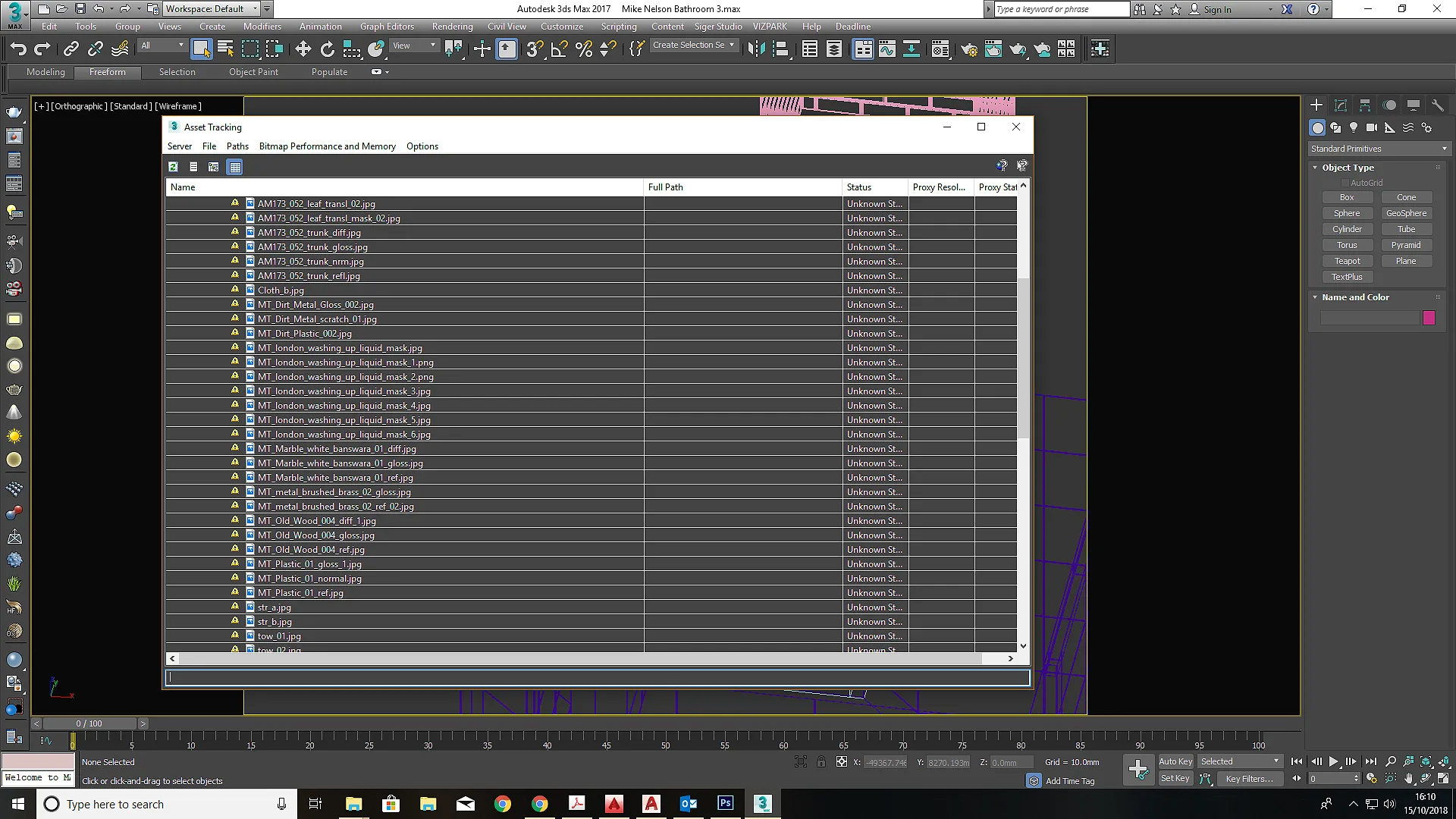
Use 3Ds Max's Asset Tracking interface to map any missing texture files, IES profiles, or proxy meshes. Converting absolute file paths into relative pathways ensures that your projects compile and render flawlessly on cloud nodes.
6. Standardizing Color Space with ACEScg inside Corona 12
To achieve natural light contrast and rich, realistic color ranges, you must implement a standardized color profile.
Configure ACEScg color management inside Corona's system settings. This prevents your bright highlights from clipping and ensures your shadows retain rich, realistic details, giving your architectural renders a polished, professional look.
7. Viewport Optimization: Utilizing Corona Proxy Files
Rendering detailed exterior environments containing millions of grass blades, trees, and cars can easily drag your viewport speeds to a crawl.
Convert your high-polygon models into Corona Proxy files. This allows 3Ds Max to display simple point clouds or bounding boxes in the viewport, keeping your system fast and fluid while you focus on scene layouts and lighting.
8. Scaling Ultra-High-Resolution Exports on Sky Render Farm Nodes
Rendering clean, high-resolution architectural animations with detailed materials, complex displacement maps, and active global illumination is incredibly intensive.
Sky Render Farm’s high-performance cloud clusters are fully compatible with 3Ds Max and Corona 12. Offloading your projects to our farm allows you to distribute frames across thousands of nodes, delivering finished, high-resolution outputs in minutes.