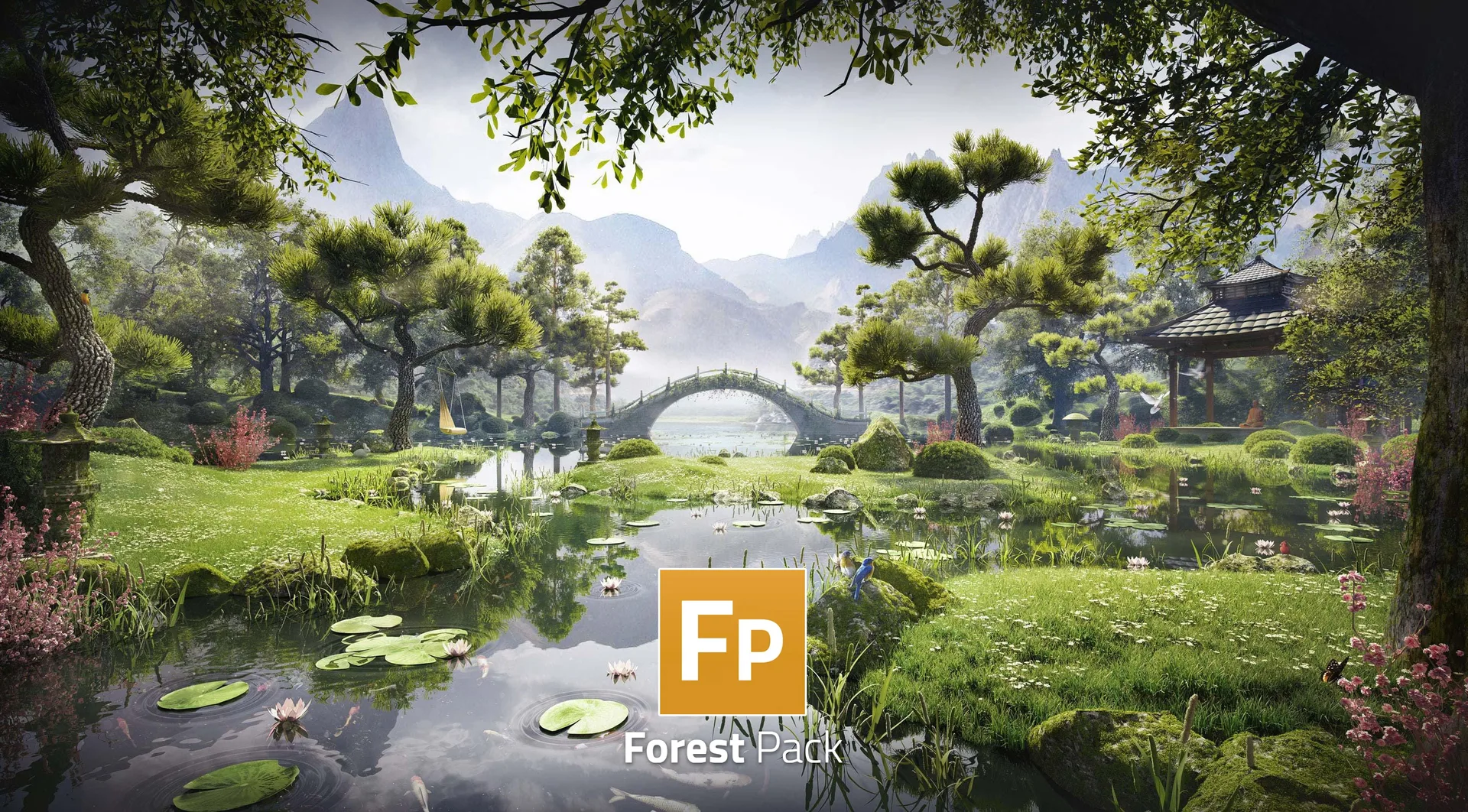
High-end architectural exterior renders (ArchViz) require millions of realistic trees, bushes, ground cover plants, and grass blades. Creating and displaying these complex assets directly in 3Ds Max can quickly exceed memory limits, slowing down your viewport to a crawl. Forest Pack Pro is the industry-standard plugin designed to solve this.
This optimization guide outlines the essential techniques to maintain fast, responsive viewports and accelerate your architectural renders.
1. Architectural Scatters: Introduction to Forest Pack Pro Instancing
Forest Pack Pro works by generating advanced parametric scatter systems that use native instancing. Instead of copying geometry, which increases file size and memory usage, the plugin uses simple references to a single source model. This allows you to scatter millions of trees and plants across vast terrains while keeping your 3Ds Max project files incredibly lightweight.
2. Viewport Acceleration: Utilizing Point Cloud and Bounding Box Proxies
To prevent viewport lag when navigating massive projects, open your Forest Pack settings, navigate to the Display panel, and select Point Cloud or Bounding Box mode.
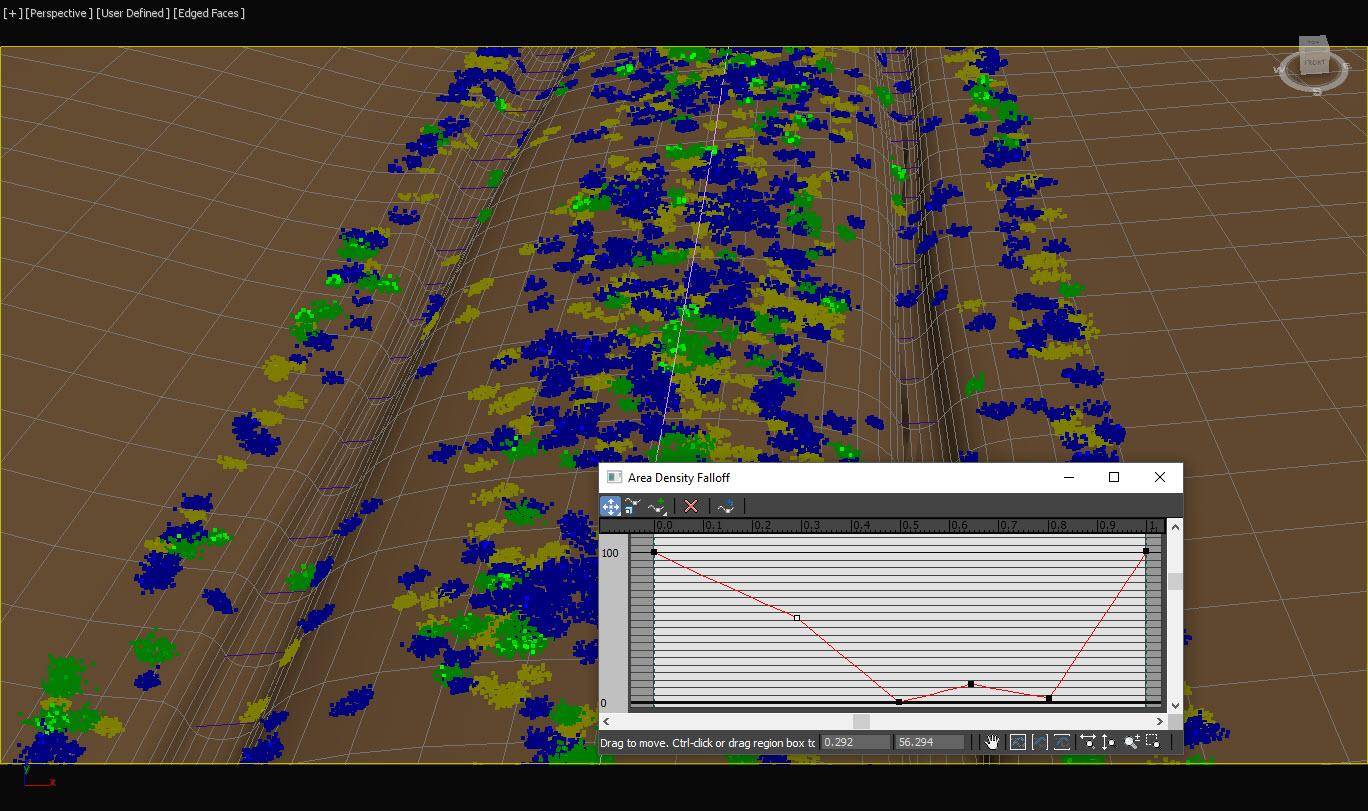
Point cloud mode provides a lightweight, color-coded visual representation of your plants, allowing you to interact with billions of scattered polygons in real-time without lagging your workstation.
3. Cutting Render Overhead with Active Camera frustum clipping
In large exterior scenes, a significant portion of your scattered vegetation falls outside the active camera's field of view.
By enabling Camera Clipping in Forest Pack's settings, the plugin automatically discards geometry that is behind or outside the camera's frame during rendering. This dramatically reduces light calculations, frees up system RAM, and cuts render times in half.
4. Asset Tracker Management & Relative Networking Path Resolution
Before uploading your 3Ds Max scenes to a cloud render farm, you must ensure that all external asset paths (such as textures, proxy files, and Forest Pack libraries) are properly mapped.
Use the 3Ds Max Asset Tracking toggle (Shift+T) to resolve any missing file warnings and convert absolute drive paths into relative paths. This guarantees that your project compiles and renders flawlessly when sent to cloud systems.
5. Designing Realistic Micro-Displacement Ground Materials
An architectural scatter looks far more realistic when the underlying ground material has physical depth. Use V-Ray or Corona displacement maps to create realistic micro-terrain features like dirt clumps, pebbles, and fallen leaves.
Combining a detailed displacement map with your scattered Forest Pack grass and plants creates a seamless transition that adds incredible realism to close-up ground renders.
6. Scaling Massive Forest Scenes with Sky Render Farm's Multi-Threaded CPUs
Complex ArchViz projects with detailed vegetation, realistic global illumination, and glass refractions require massive compute resources.
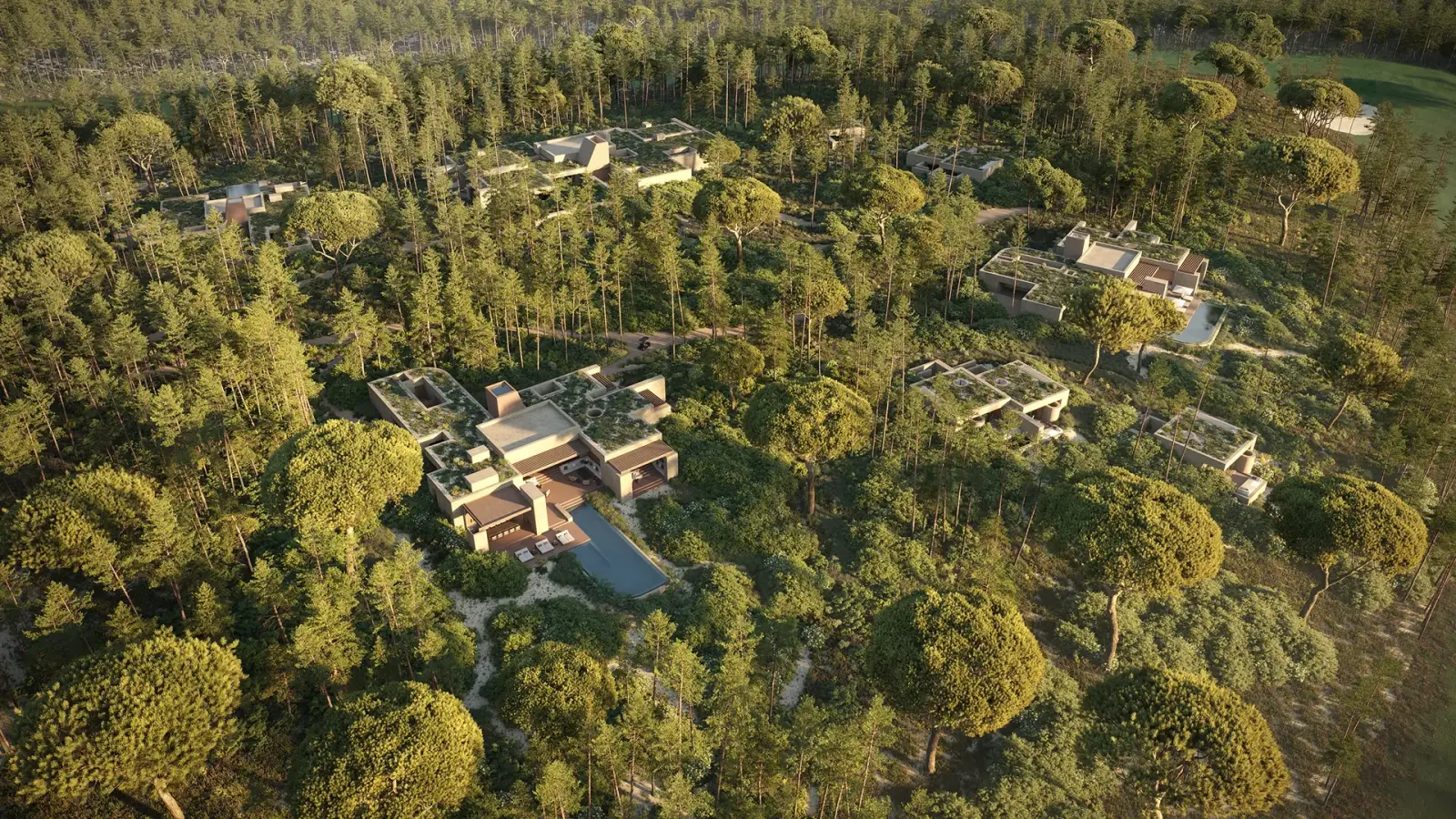
Sky Render Farm's cloud cluster is fully compatible with 3Ds Max, Forest Pack, V-Ray, and Corona Renderer, allowing you to distribute your heavy exterior renders across thousands of high-performance CPU and GPU nodes and deliver finished frames in minutes.