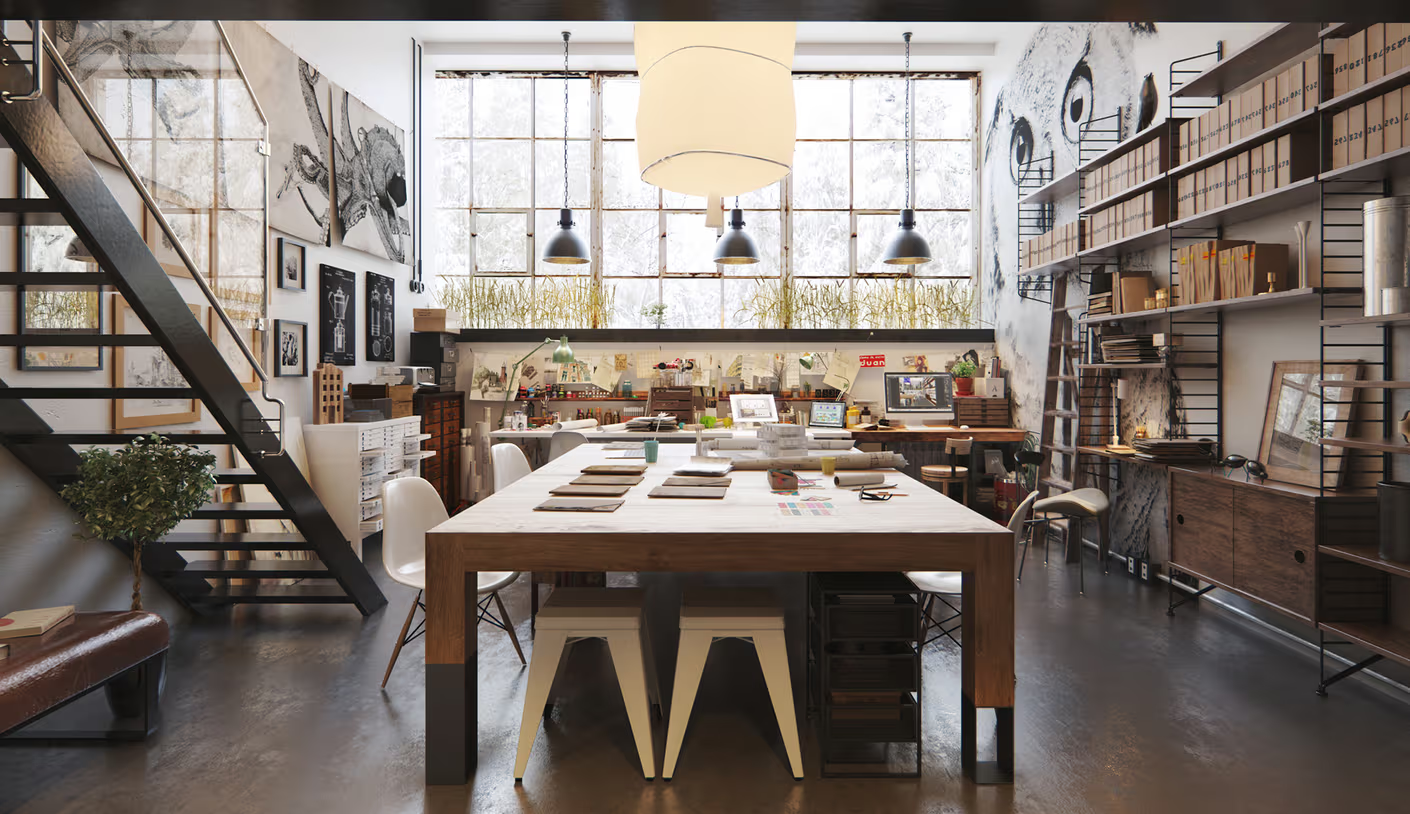
Creating high-end architectural visualizations in 3Ds Max requires more than just good models; it demands physically correct materials. Whether you are using V-Ray or Corona Renderer, mastering physically based rendering (PBR) workflows is essential to achieving photorealism.
This technical guide covers the essential steps to construct realistic materials and optimize them for high-resolution cloud rendering.
1. Physically Based Rendering (PBR) Fundamentals in Architecture
To ensure your materials react realistically to different lighting environments:
- Never use pure black or pure white values for your diffuse or reflection colors, as these do not exist in nature.
- Set your diffuse color values between 5 and 240 in RGB space.
- Use the Metallic-Roughness workflow to construct accurate metal and dielectric surfaces.
This ensures your materials remain physically believable regardless of whether they are under bright sunlight or soft interior ambient light.
2. Configuring Beautiful Glass Refraction, Dispersion, and Abbe Values
Architectural glass is often a weak point in ArchViz renders, looking either too dark or completely transparent. To create believable glass materials:
- Enable Refraction and set the Index of Refraction (IOR) to 1.52 (the physical value for window glass).
- Turn on Dispersion (Abbe number between 40 and 60) to split light rays into subtle rainbow highlights along the edges of thick glass surfaces, adding a polished, physical look.
3. Layering Surface Imperfections with Blend Materials and Noise Masks
In the real world, surfaces are never perfectly clean or uniform. To add realism, use V-Ray Blend Material or Corona Layered Material to layer surface imperfections.
Blend a clean base material with subtle dust, scratches, or moisture maps. Use high-contrast black-and-white maps as masks to blend these layers organically, breaking up clean digital surfaces and making your scenes look lived-in and natural.
4. Controlling Light Transmission through Curtains & Semi-Opaque Fabric
For interior renders, curtains and shades play a crucial role in shaping daylight. Avoid using standard materials for fabrics.
Instead, use V-Ray 2Sided Material or Corona Physical Material with Thin-Walled Translucency enabled. This allows light to filter through the fabric naturally, illuminating your interior spaces with a beautiful, soft ambient glow that replicates physical light transmission.
5. Standardizing Color Management with ACES and Linear Workflow
To achieve natural contrast and color range, you must use a standardized color space. Set up ACESsg or Linear sRGB inside your 3Ds Max color management settings.
This prevents your bright highlights from clipping and ensures your shadows retain rich, realistic details, giving your renders a professional, cinematic contrast range.
6. Speeding Up Heavy Material Exports on Sky Render Farm
Rendering high-resolution 4K or 8K architectural frames with complex materials, global illumination, and depth of field can be incredibly taxing on local computers.
By utilizing Sky Render Farm's cloud infrastructure, you can distribute your 3Ds Max projects across high-performance rendering nodes, completing high-resolution outputs in minutes instead of hours. This lets you meet tight client deadlines with ease.