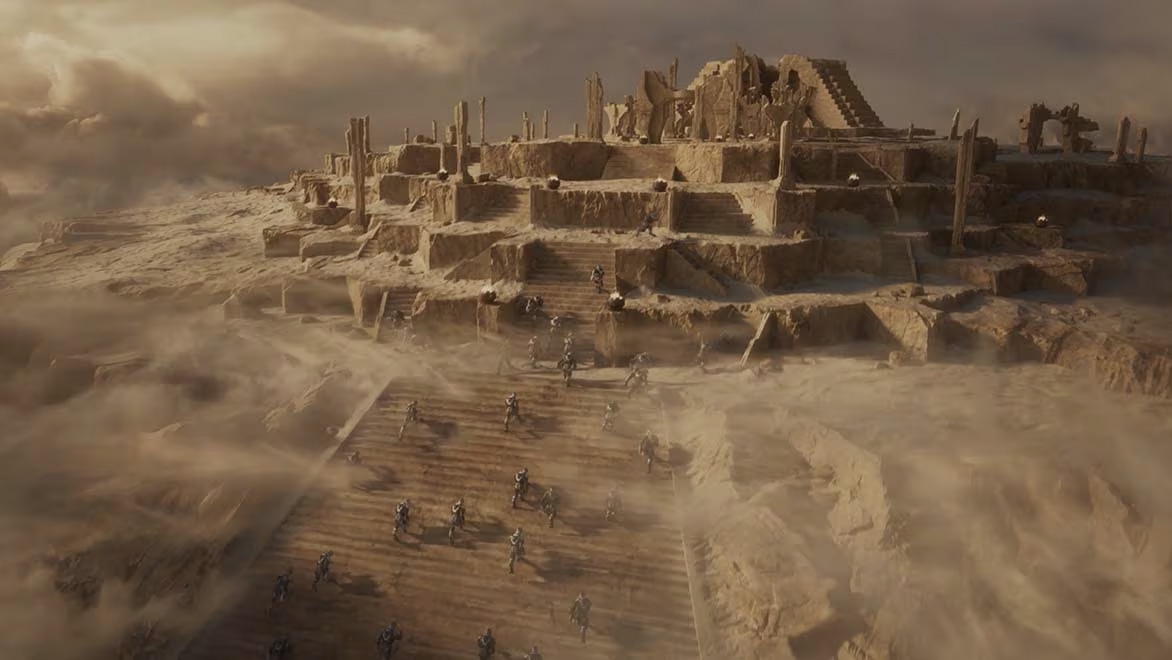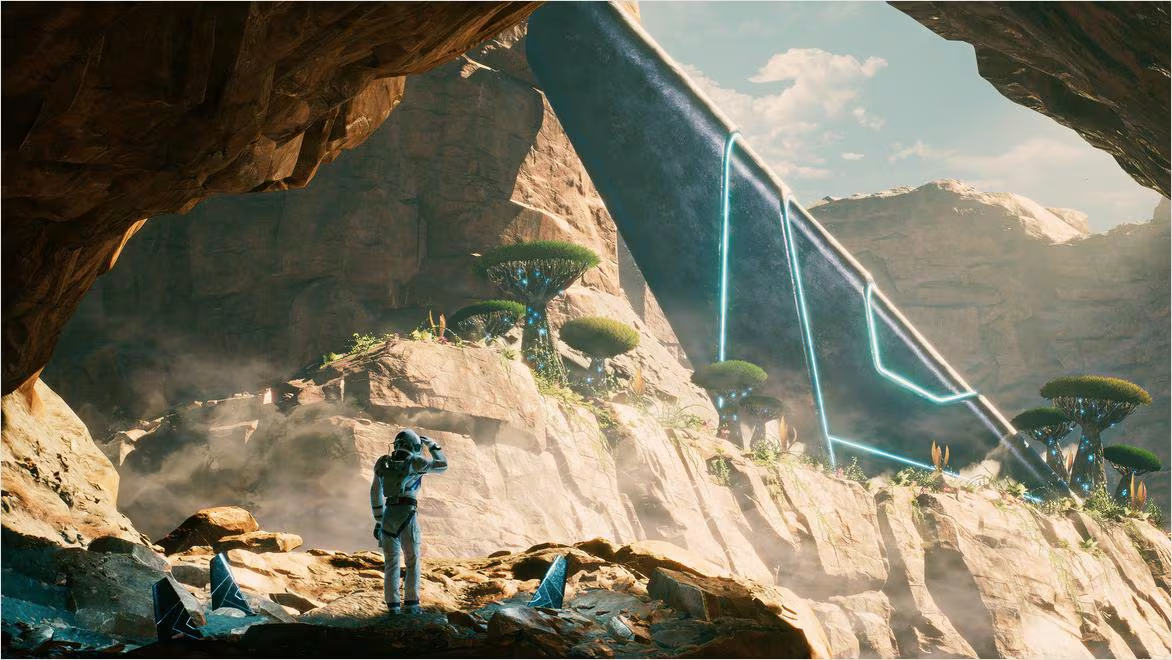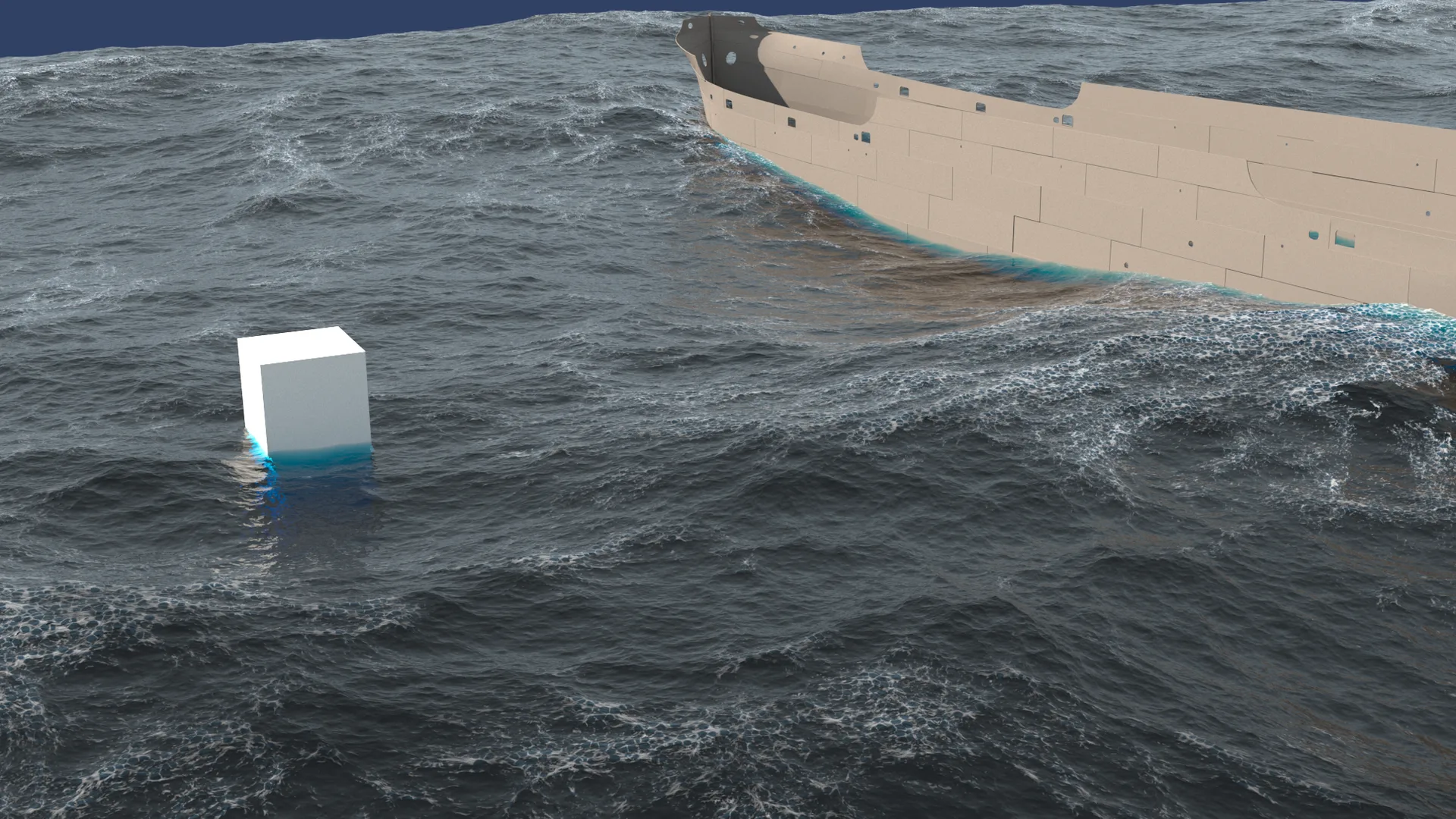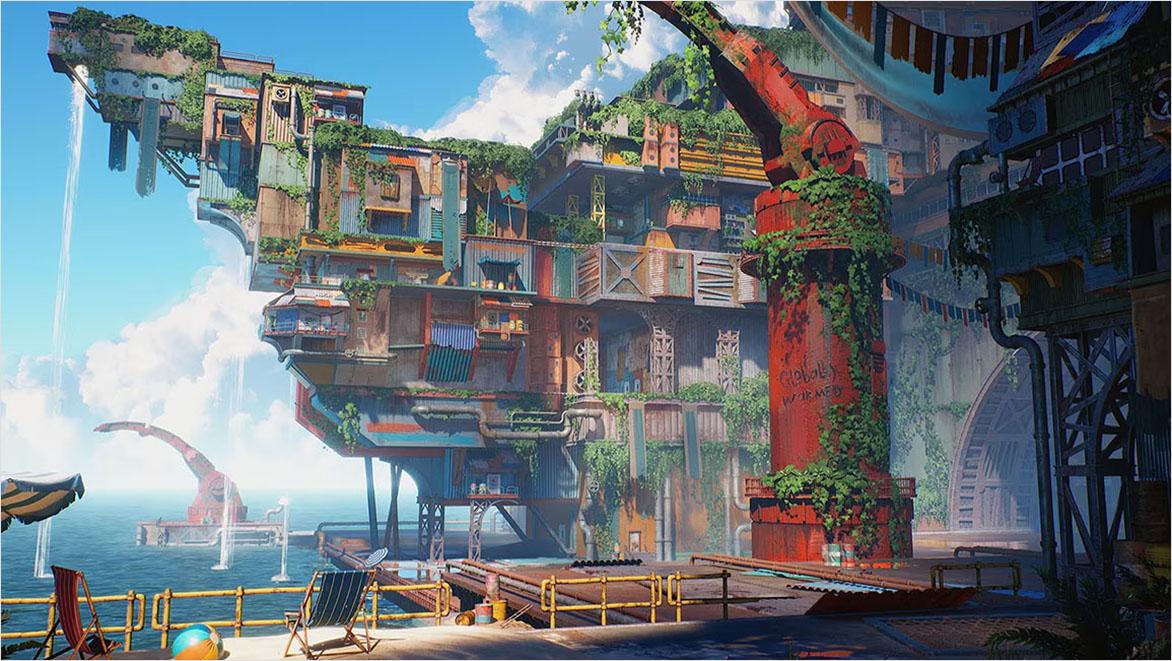
Manually placing thousands of trees, rocks, buildings, or debris pieces to build large-scale 3D environments is extremely slow and inefficient. Autodesk Maya's MASH motion graphics and procedural effects toolkit offers a powerful, artist-friendly, and highly optimized alternative.
In this tutorial, we will examine how to procedurally scatter high-polygon assets across terrain meshes and optimize them for Arnold rendering.
1. Understanding MASH Network Foundations & Scatter Distribution Nodes
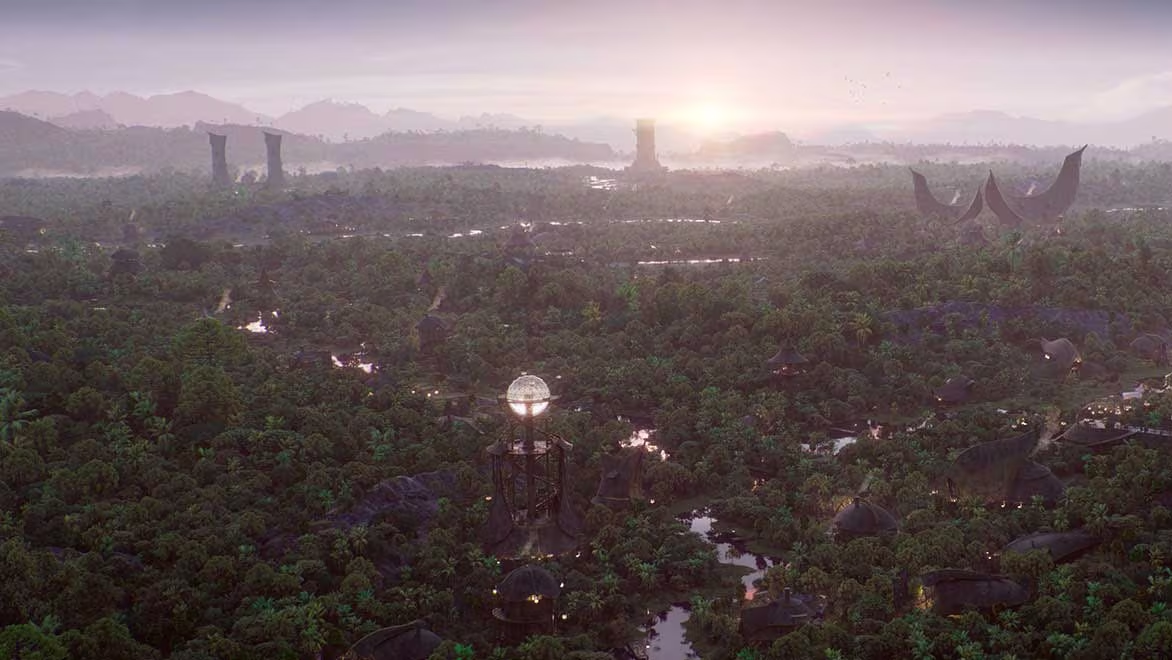
MASH allows you to distribute high-polygon models across target geometries using various distribution types. By setting your distribution node to Surface mode and selecting a landscape mesh, MASH will automatically scatter assets across the terrain.
You can use vertex colors, selection sets, or procedural noise maps to control the placement density, allowing you to easily build forests, cities, or debris fields with absolute control.
2. Controlling Layout Chaos with Custom Scale and Orient Modifiers
A believable forest or cityscape is never perfectly uniform. To introduce realistic variation:
- Add a MASH Random node to vary scale and rotation.
- Attach a MASH Orient node to orient assets along the landscape's surface normal.
This ensures that scattered trees point vertically along the global Y-axis, rather than aligning to the slope of your terrain, which would look unnatural.
3. Simulating Realistic Debris with Bullet Physics Dynamics
To scatter objects that need to interact physically—such as falling rocks, debris piles, or scattered leaves, connect a MASH Bullet Physics node.
Configure passive colliders for your terrain geometry and run the simulation to let your scattered assets fall, collide, and settle naturally under gravity, preventing overlapping geometry and creating realistic physical layouts.
4. Utilizing Arnold Stand-Ins (Proxies) to Drastically Reduce Memory
Scattering high-polygon meshes can quickly slow down your scene files and saturate your system memory. To resolve this, export your source models as Arnold Stand-Ins (.ass files).
This keeps your Maya scene incredibly light, as Maya only loads simple bounding boxes in the viewport. The full high-resolution geometry is loaded directly during rendering, making your scenes highly efficient.
5. Custom Texture Maps and Vertex Painting for Scatter Density
Instead of scattering assets uniformly, you can use custom texture maps or vertex colors to paint density directly onto your landscapes.
For instance, you can paint a path through a forest where no trees should grow, or paint higher density on mountain tops. MASH reads these color values and adjusts asset placement in real-time, giving you incredible control over your environment layouts.
6. Rendering Massive Cityscapes & Environments on Sky Render Farm
Vast scenes with billions of instanced polygons and global lighting calculations require massive computational power and RAM.
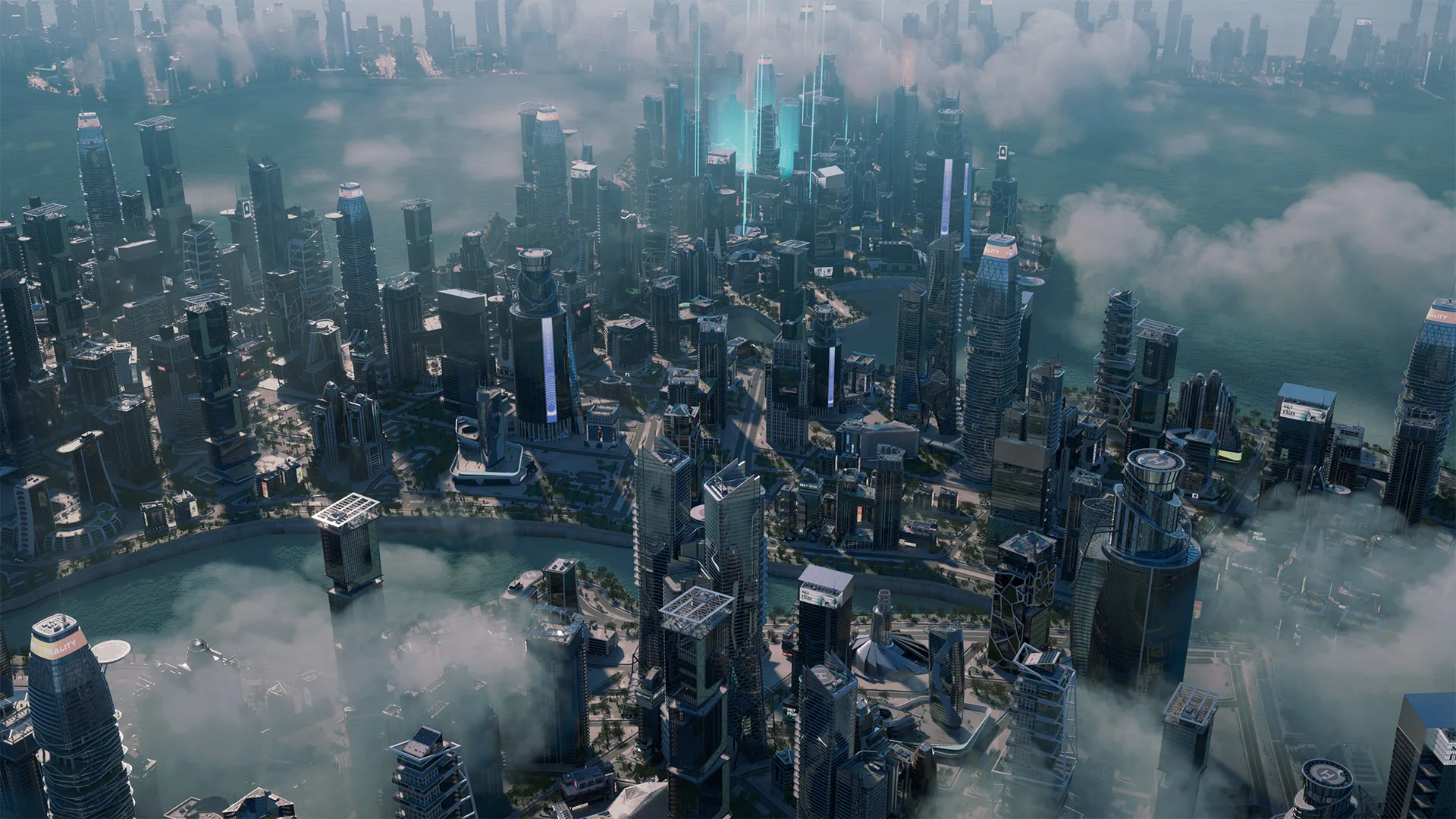
Sky Render Farm's cloud render servers handle heavy Arnold, V-Ray, and Redshift projects with ease, delivering your high-resolution cinematic environments in minutes without locking up your local computer.