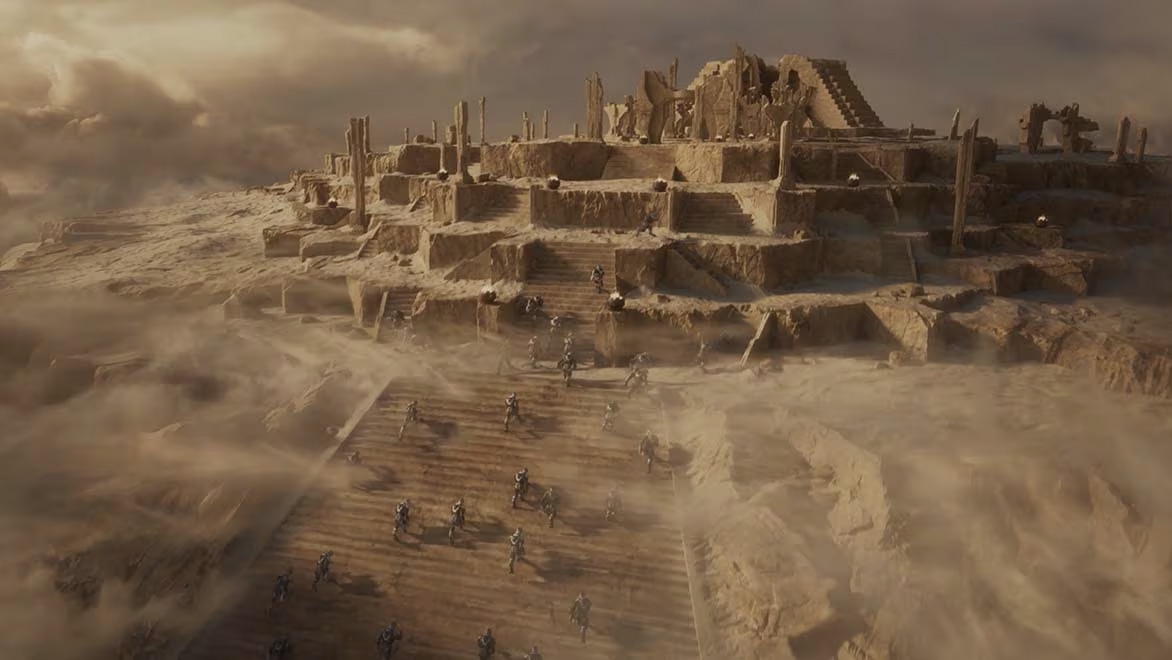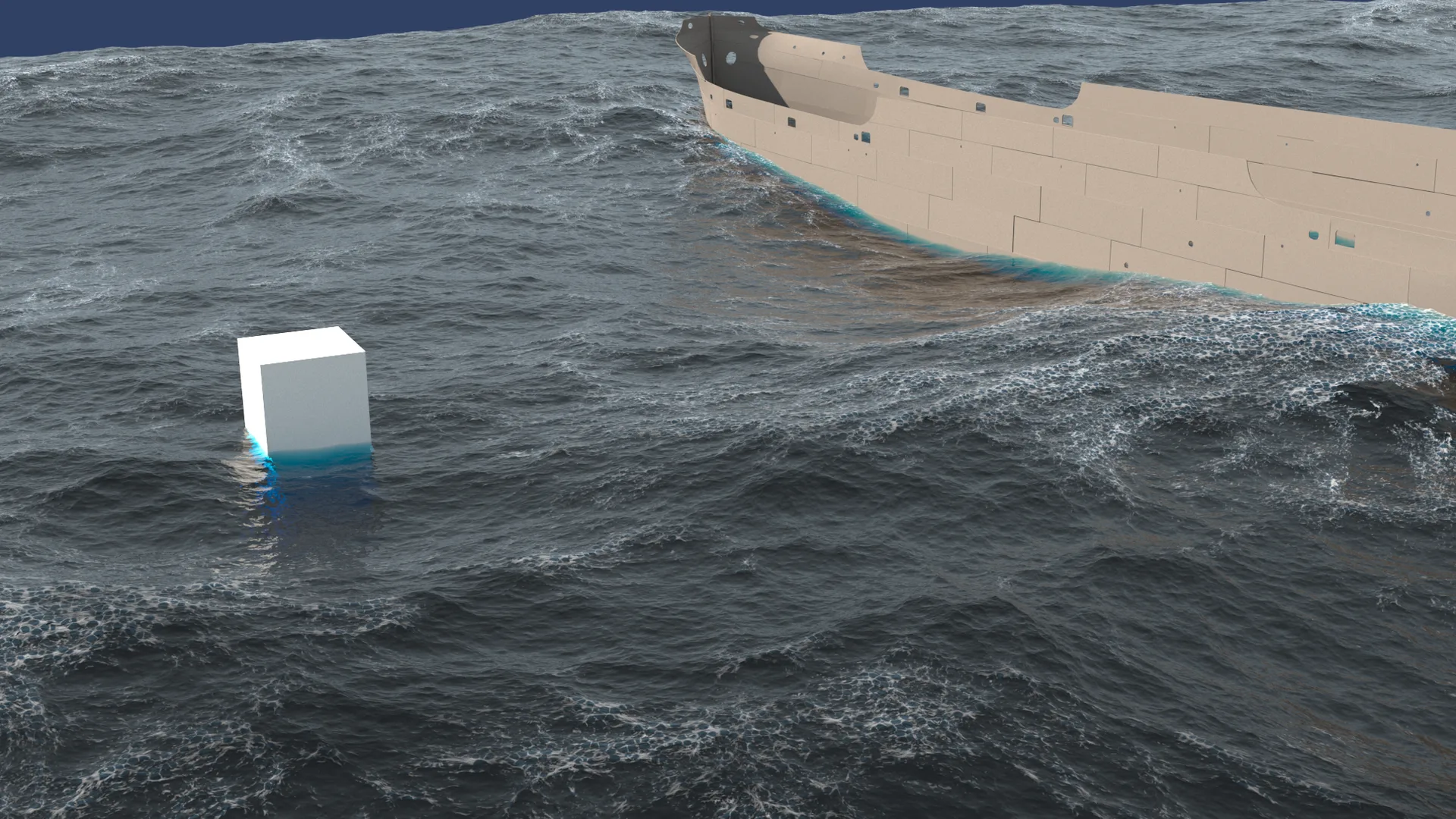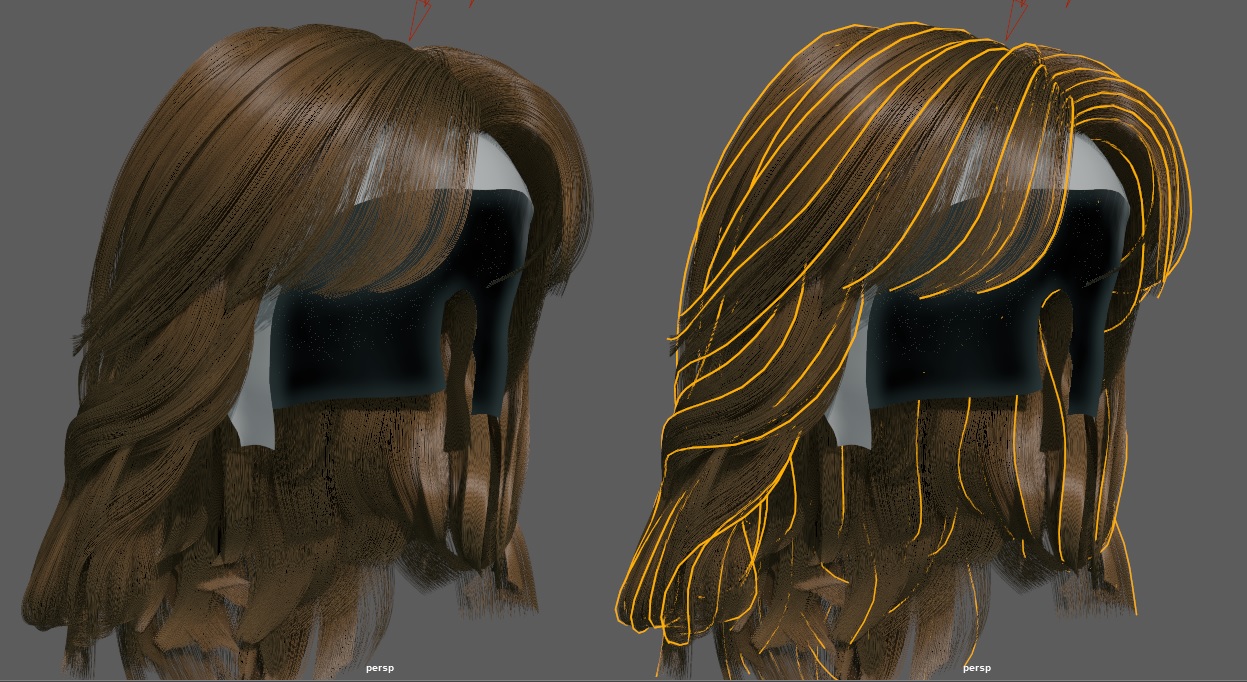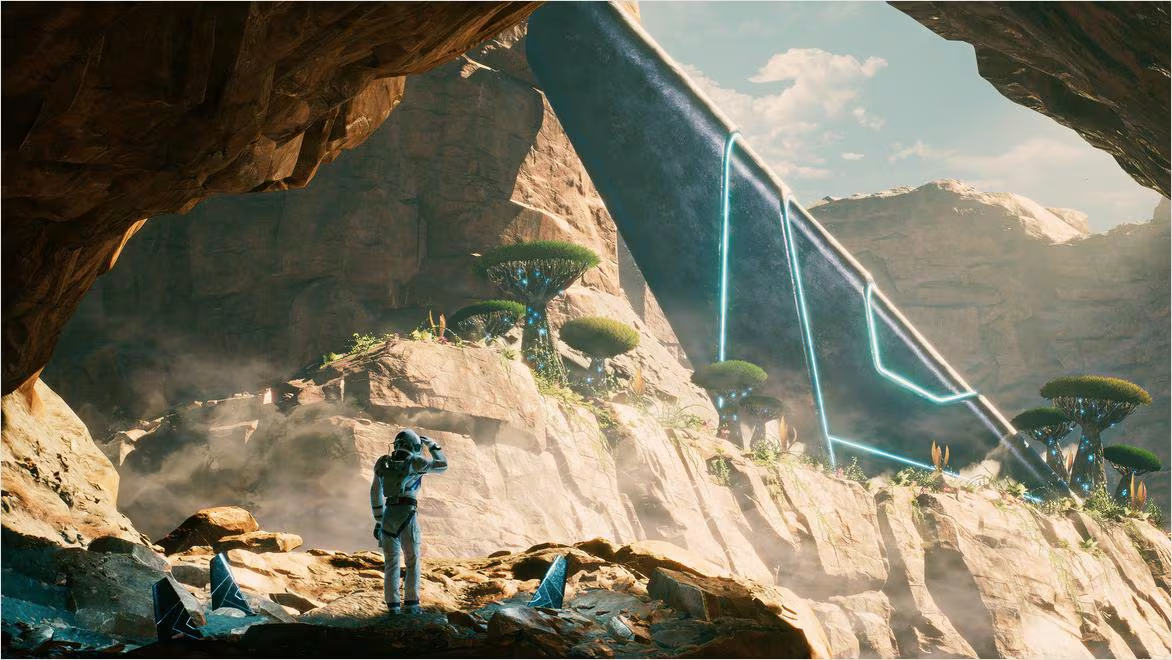
As visual effects production grows in scale, traditional workflows that involve passing heavy, proprietary Maya scene files between departments are becoming major production bottlenecks. Autodesk Maya's native USD integration offers a modern solution.
By utilizing USD (Universal Scene Description), studios can establish non-destructive, collaborative pipelines that let modeling, layout, animation, and lighting artists work on the same scene simultaneously.
1. What is USD? The Architectural Foundation of Collaborative 3D
Developed by Pixar, USD is a highly optimized open-source file format and scene description engine designed for large-scale production pipelines.
Unlike monolithic proprietary formats, USD files are structured as a series of non-destructive layers. This allows you to reference, inherit, and override assets without modifying the source files, enabling seamless collaboration across different departments and software packages.
2. Setting Up Your Maya Workspace for Native USD Scene Assembly
To begin working with USD in Maya, ensure that the MayaUSD plugin is activated inside your Plugin Manager (Windows > Settings/Preferences > Plug-in Manager).
Create a new USD Stage inside your Outliner (Create > Universal Scene Description > Stage from File). This establishes an empty, lightweight workspace where you can reference high-resolution USD assets, keeping your Maya scene responsive and memory-efficient.
3. Harnessing USD Layers to Enable Multi-Artist Shot Collaboration
USD organizes scene data into distinct hierarchical layers. This allows multiple artists to work on different aspects of a shot concurrently:
- Layout Layer: Houses your environment models, landscapes, and buildings.
- Animation Layer: References lightweight cache files containing character movements.
- Lighting Layer: Overlays lighting setups, physical materials, and render settings.
Because each layer operates independently, a lighting artist can refine their setup while an animator updates character motions, completely eliminating pipeline bottlenecks.
4. Creating and Managing Asset Variants inside Maya USD
One of USD's most powerful features is Variants. Variants allow you to store multiple configurations of an asset (such as different texture sets, detail levels, or mesh shapes) inside a single USD file.
Inside Maya’s USD Layer Editor, you can switch between these configurations with a single click. This makes it incredibly easy to swap a high-polygon asset for a low-res viewport proxy, keeping your scene files light and responsive while you work.
5. Managing USD Paths and Preventing Missing Asset Errors
Because USD scenes reference multiple external files, maintaining clean paths is critical. Always use relative paths when structuring your USD projects.
Leverage Maya’s path mapping options to resolve any absolute directory warnings before exporting your files. Standardizing your file directories and utilizing relative tokens ensures your USD scenes compile and render flawlessly when moved to other computers.
6. Shading and Texturing USD Assets for Arnold Rendering
To render USD scenes inside Maya, utilize the Arnold Standard Surface shader. The MayaUSD plugin translates your PBR materials into USD-compliant shaders, ensuring consistent look-development across different platforms.
Ensure your texture paths are properly configured inside your Arnold material nodes. Using packed, high-performance tx files ensures fast, stable texture loading during rendering.
7. Integrating Maya USD Pipelines with Version Control and Asset Managers
To maximize your USD pipeline's efficiency, couple it with version control.
Using Git LFS or specialized asset managers allows you to track and version your USD files, preventing accidental file overwrites and ensuring that your team is always working on the most up-to-date scene assets, keeping your workflow incredibly clean.
8. Distributing Massive USD Render Jobs on Sky Render Farm Nodes
Vast USD scenes containing billions of instanced polygons, complex characters, and cinematic lighting require massive computational power to render.
By shifting your rendering pipeline to Sky Render Farm, you gain instant access to high-performance cloud clusters fully optimized for Arnold USD rendering. Our system processes your heavy USD scenes with ease, delivering finished cinematic frames in minutes.