GPU rendering is usually faster. CPU rendering is usually more forgiving. Which one is right for a project depends less on which is "better" and more on three questions: which render engine you use, how big the scene is, and how soon you need the frames.
This guide explains the real difference between the two, where each one wins, and how to choose.
The short answer
- Choose GPU if your engine supports it (Cycles, Redshift, Unreal Engine's Path Tracer, V-Ray GPU, Arnold GPU) and the scene fits in the graphics card's memory. You will usually get frames several times faster for the same money.
- Choose CPU if the scene is enormous, relies on features only the CPU version of your engine supports, or uses an engine that is CPU-only, such as Corona.
Why GPUs render faster
A modern CPU has somewhere between 8 and 64 powerful cores. A graphics card has thousands of smaller ones. Path tracing is millions of independent light-ray calculations, which is exactly the kind of work that spreads well across thousands of cores. RTX cards add dedicated ray-tracing hardware (RT cores) that accelerates the most expensive part of the calculation, and engines that use NVIDIA OptiX take advantage of it directly.
The result: on a typical Cycles or Redshift scene, a single RTX 5090 often outpaces a high-core-count CPU workstation by a wide margin.
Where the CPU still wins
Memory. This is the big one. A GPU can only render what fits in its VRAM: 24 GB on an RTX 3090 or 4090, 32 GB on an RTX 5090. A CPU renders from system RAM, which can be 128 GB, 256 GB or more. Architectural exteriors with millions of scattered trees, film-resolution texture sets and heavy volumetrics can exceed any graphics card.
Feature coverage. Some engines support features on the CPU before (or instead of) the GPU. Check your engine's documentation for the specific shaders or plugins you use.
Engine choice. Corona is CPU-only. So is a lot of established archviz and VFX pipeline work built around V-Ray CPU and Arnold CPU.
Consistency. CPU renders tend to behave the same way from machine to machine, which matters for long productions.
Side by side
- Speed per frame: GPU is usually much faster for engines that support it.
- Scene size limit: GPU is limited by VRAM (24–32 GB); CPU by system RAM (much larger).
- Cost per frame: GPU is usually lower, because frames finish sooner.
- Engines: GPU for Cycles, Redshift, Octane, V-Ray GPU, Arnold GPU and Unreal; CPU for Corona, V-Ray CPU, Arnold CPU, Cycles CPU.
- Look development: GPU gives near-interactive feedback, which speeds up iteration.
What this means on a render farm
On a render farm the question becomes about cost and turnaround, not about which workstation you own.
GPU nodes finish frames sooner, so even though a GPU hour costs more than a CPU hour, the cost per frame is often lower. And because frames are rendered in parallel, the time saved per frame is multiplied across the whole animation.
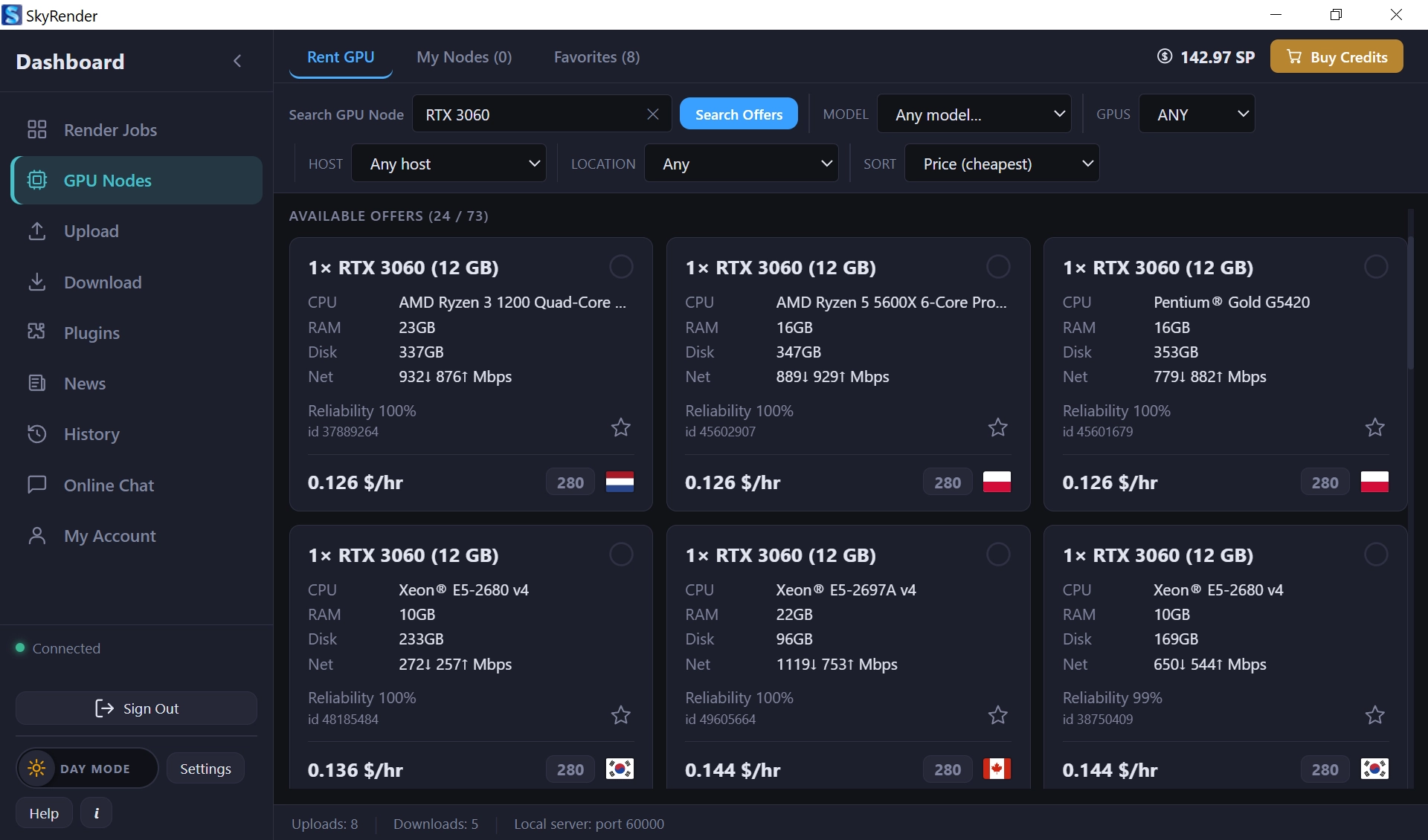
On Sky Render Farm, Blender and Unreal Engine jobs rent RTX 3090, RTX 4090 or RTX 5090 nodes and are billed by the second. 3ds Max, Maya and Cinema 4D jobs run as managed cloud rendering, billed by the CPU and GPU hours the job uses, so CPU engines such as Corona and V-Ray CPU are covered as well.
How to decide for your project
- Check your engine. If it is CPU-only, the decision is made.
- Check your memory. Open the scene and look at peak memory use during a render. If it is well under 24 GB, GPU is an option. Between 24 and 32 GB, an RTX 5090 may fit it. Beyond that, optimise or use CPU.
- Render a test frame both ways if your engine supports both. Compare time, and compare the image: a few shaders look slightly different between CPU and GPU versions of the same engine.
- Think about the whole job. A 10% slower frame is irrelevant on a single still and very relevant on 3,000 frames.
Reducing VRAM so a scene fits on the GPU
- Scale textures on distant objects down from 8K to 4K or 2K.
- Use instancing instead of duplicated geometry for scattered objects.
- Use simplify or subdivision limits for objects far from the camera.
- Remove hidden objects that are still set to render.
Test before you decide
The fastest way to settle GPU vs CPU for a real project is to measure it. New Sky Render Farm accounts receive free SkyPoints for test jobs: download SkyRender Desktop, send a few frames, and compare. For a primer on farms in general, read What is a render farm?, and for costs, see Render farm pricing in 2026.