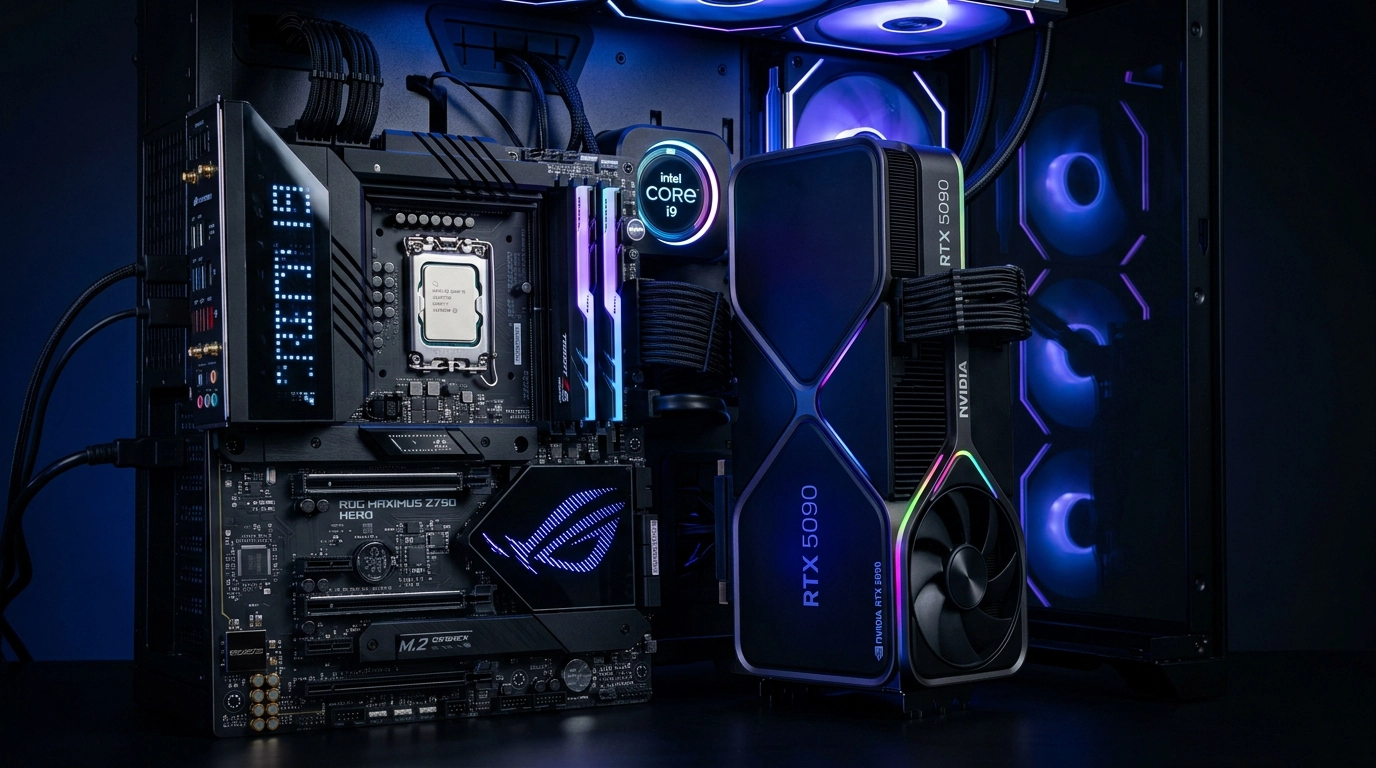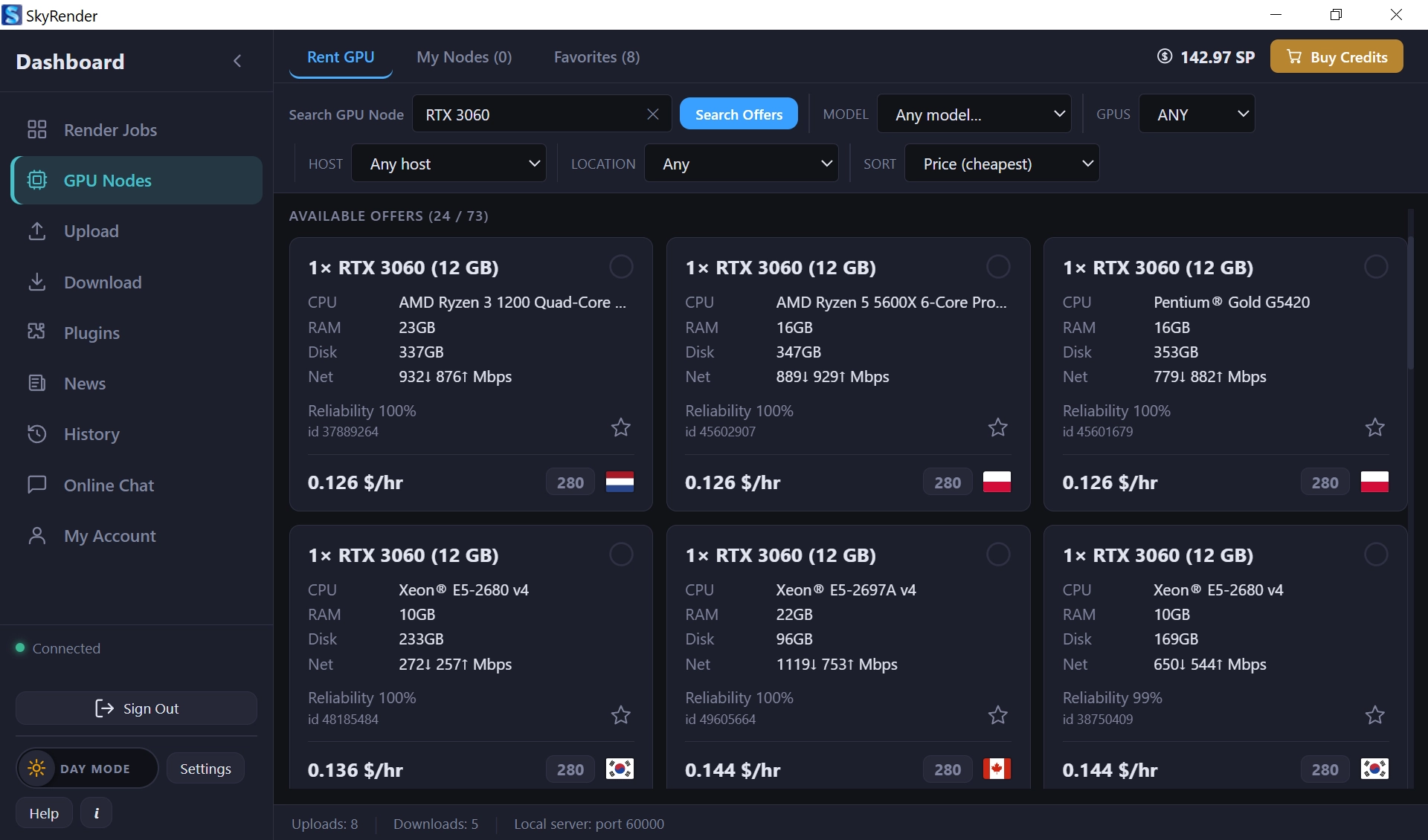
Choosing between CPU and GPU rendering is one of the most critical structural decisions for any professional 3D studio, independent VFX artist, or production supervisor. Both systems have deep architectural trade-offs that dictate your maximum polygon budgets, texture memory constraints, power bills, and delivery speeds.
In this deep-dive guide, we will analyze how CPU and GPU render nodes scale under heavy studio production pipelines and explain how you can strategically leverage cloud solutions to completely bypass local hardware limitations.
1. The Physics of Ray Tracing: CPU vs. GPU Architecture
To understand rendering, we must examine processor design. A Central Processing Unit (CPU) is built for general-purpose sequential processing. It has a relatively small number of powerful cores (typically 16 to 128 in workstation processors like AMD Threadripper) optimized for executing complex, sequential instructions with high single-thread speeds.
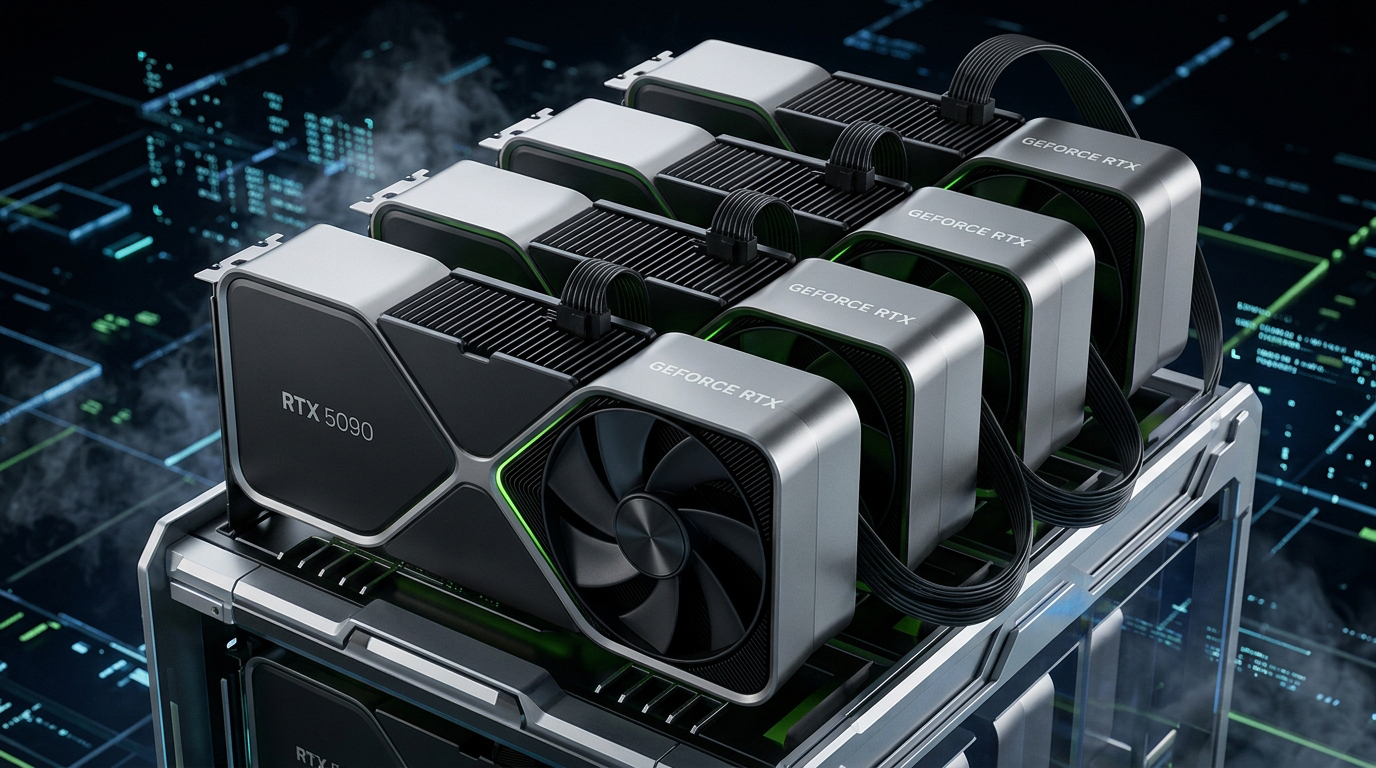
In contrast, a Graphics Processing Unit (GPU) is designed to handle thousands of simple operations simultaneously. By integrating thousands of streaming multiprocessors (SMs), a high-end card can compute hundreds of thousands of light bounces in parallel. Where a CPU relies on raw calculation power per core, a GPU relies on massive parallel execution.
2. Memory Scaling: Why DDR5 and High System RAM Keep CPU Rendering Stable
One of the largest advantages of CPU-based rendering engines (such as Arnold CPU, V-Ray CPU, or Corona Renderer) is their access to system memory. Standard DDR5 memory on high-end server motherboards easily scales to 256GB, 512GB, or even 2 Terabytes of RAM.
This vast memory footprint means a CPU render engine can comfortably load massive geometric datasets containing billions of polygons, volumetric clouds, and uncompressed 8K UDIM texture sets. Out-Of-Memory (OOM) crashes are practically nonexistent on CPU clusters. The engine can always process the data, making it the primary choice for complex cinematic visual effects sequences.
3. Parallel Compute: Harnessing CUDA and Tensor Cores for Extreme Speeds
GPU rendering engines (such as Redshift, OctaneRender, and Blender Cycles GPU) execute calculations on thousands of CUDA and Tensor cores. These specialized cores perform floating-point calculations with extreme efficiency.
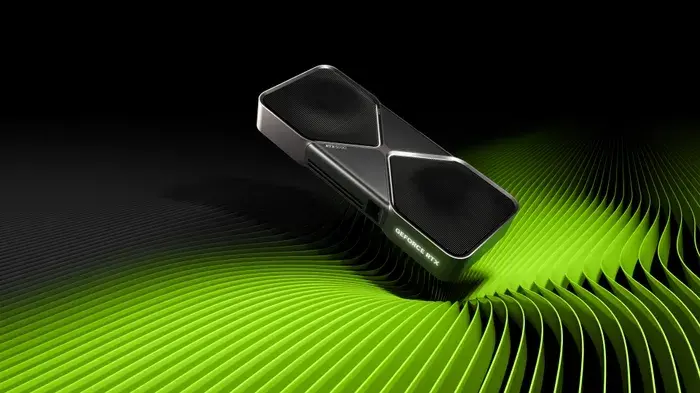
A single high-end workstation equipped with multiple graphics cards can render complex frames in mere minutes, achieving speed gains of 5x to 20x over traditional multi-socket CPU systems. This rapid feedback loop allows creative artists to spend more time iterating on art direction, lighting, and composition instead of waiting for previews.
4. The VRAM Bottleneck: Navigating Out-Of-Memory (OOM) Errors in GPU Scenes
The main limiting factor of GPU-based rendering is onboard Video RAM (VRAM). High-end cards typically provide between 24GB and 80GB of fast memory (GDDR6X or HBM3). If your 3D geometry and uncompressed texture maps exceed this physical buffer, the engine faces a critical memory bottleneck.
When a GPU exceeds its VRAM capacity, it must either fallback to "Out-Of-Core" memory sharing (which transfers data over the PCIe bus to system RAM, dropping speeds significantly) or crash instantly. Creative studios must manage their memory budgets carefully by compressing textures and using proxy models to avoid crashing local workstations.
5. Strategic Keywords & Workflow Optimization for Modern Studio Pipelines
To maximize your studio's efficiency and search engine optimization (SEO), you should implement these core concepts in your daily workflow:
- Cloud GPU Render Farm: Shifting intensive final exports to specialized high-speed cloud clusters to keep local workstations free for active creative tasks.
- VRAM Memory Budgeting: Compressing texture files to 2K/4K, utilizing packed channel maps (Roughness, Metallic, AO in a single RGB image), and using lightweight proxy geometries.
- Hybrid Rendering Engines: Enabling engines that utilize both CPU threads and GPU ray-tracing cores simultaneously to achieve maximum hardware utilization.
6. Hybrid Rendering: The Future of Unified Compute in Sky Render Farm
The industry is moving towards hybrid rendering engines that dynamically distribute computing tasks across both CPU cores and GPU cores. This maximizes all available hardware resources.
By utilizing Sky Render Farm's cloud infrastructure, you can completely bypass local hardware limitations. Sky Render Farm integrates dual AMD EPYC high-core CPUs alongside massive, multi-card NVIDIA RTX 5090 and RTX 4090 clusters, giving you the memory stability of high-RAM CPU nodes combined with the extreme parallel processing power of modern GPUs.